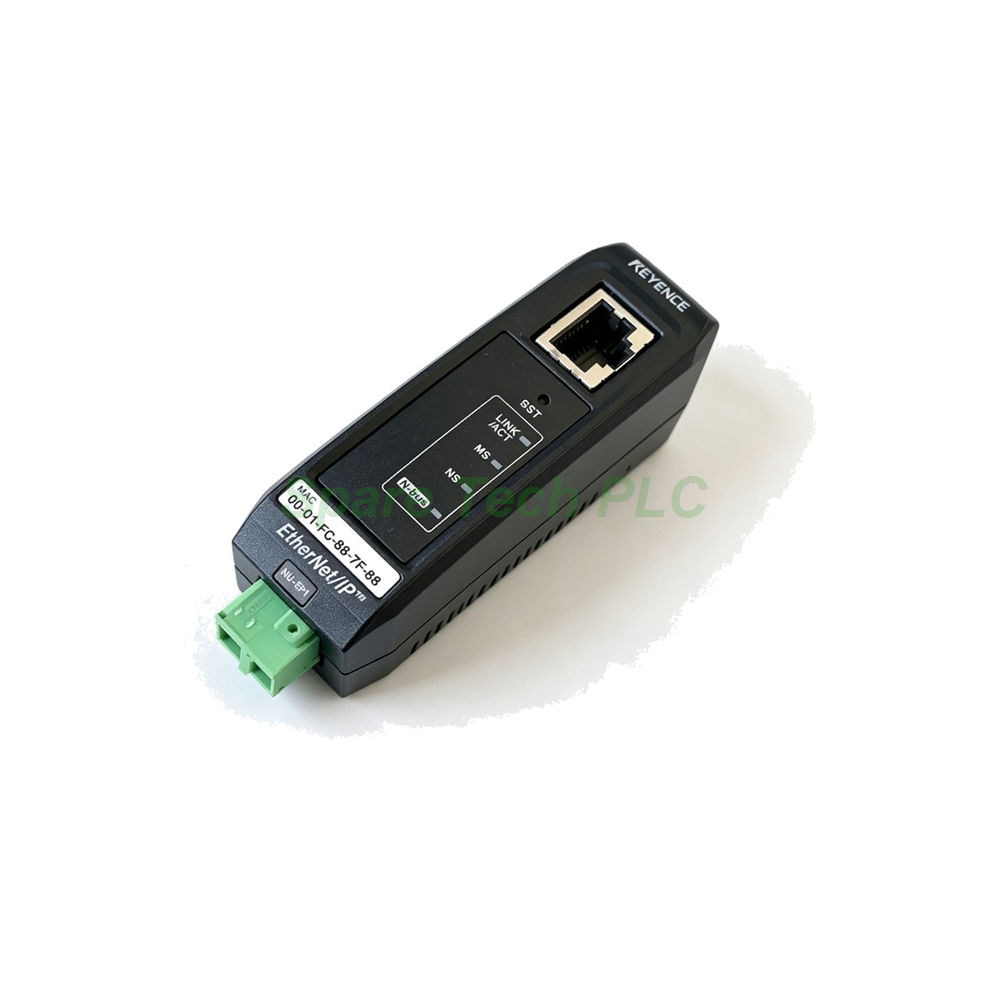
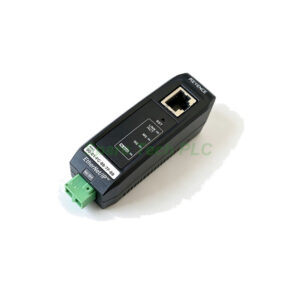
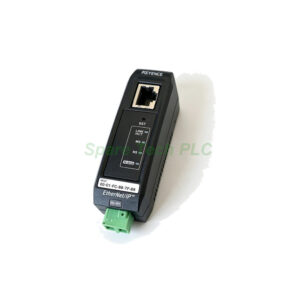
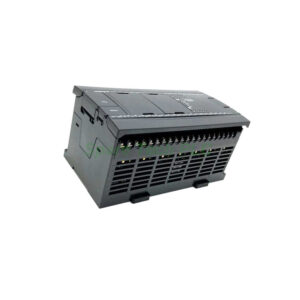
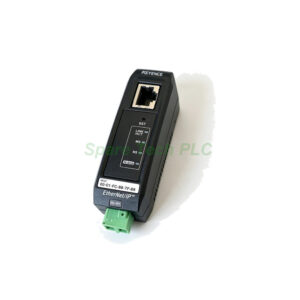
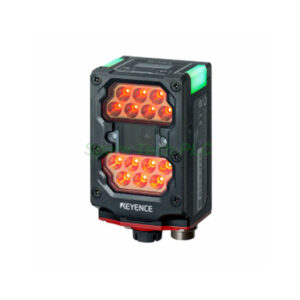
Keyence NU-DN1 DeviceNet Communication Unit
Product Introduction
The Keyence NU-DN1 integrates N-bus sensor amplifiers into DeviceNet networks. It supports both I/O polling messages and explicit messages, so controllers can exchange cyclic data and configuration parameters. Consequently, users gain flexible diagnostics without extra gateways. The unit accepts addresses from 0 to 63 and detects baud rate automatically. Additionally, it connects up to 16 sensor amplifiers through a wiring-saving connector, which reduces panel wiring.
Technical Specifications
The DeviceNet interface handles standard industrial messaging. Specifically, the NU-DN1 supports I/O message polling plus explicit messaging. Node addresses range from 0 to 63, and baud rate auto-negotiates across 500, 250, and 125 kbps. Maximum cable length depends on speed: 100 meters at 500 kbps, 250 meters with thick cable at 250 kbps, and 500 meters with thick cable at 125 kbps. Therefore, layout planning should match cable type to network speed.
On the sensor side, the module supports up to 16 N-bus compatible amplifiers. Total passing current must stay at 1,200 mA or less. Moreover, the wiring-saving connector keeps installation clean and fast. The unit provides one built-in 5-pin DeviceNet port and no communication expansion.
Electrical and Environmental Parameters
Power comes directly from the DeviceNet supply at 11 to 25 VDC. Power consumption stays at 1,480 mW or less, drawing a maximum of 60 mA at 24 V excluding sensor current. Because the network supplies power, no separate 24 V feed is needed. However, verify bus power budget before adding many nodes.
The Keyence NU-DN1 operates between -20 and +55 °C without freezing. Relative humidity tolerance spans 35 to 85% RH without condensation. Storage temperature and protection ratings remain unpublished. For instance, mount the unit in a dry enclosure away from condensation sources. It weighs approximately 0.065 kg including connectors, and dimensions are not available.
Installation Guide
First, set the node address using the rotary switches before power-up. Next, connect the 5-pin DeviceNet plug to the trunk line. Then, wire the N-bus amplifiers through the wiring-saving connector and check total current. After that, apply bus power and confirm the module joins the network at the correct baud rate. Finally, configure the master for polling I/O and explicit messaging as needed.
Additionally, keep trunk and drop lengths within DeviceNet limits for the chosen speed. Use thick cable for long runs at 250 or 125 kbps. Besides, terminate both ends of the trunk with proper resistors. Therefore, communication stays stable across the full segment.
Packaging List
Keyence NU-DN1 Network Unit ×1
Wiring-saving connector ×1
DeviceNet 5-pin connector ×1
Quick start guide ×1
FAQ
Q1: How many sensor amplifiers can the NU-DN1 connect?
A: The NU-DN1 supports up to 16 N-bus compatible amplifiers, with a combined passing current of 1,200 mA or less.
Q2: Does the unit set its baud rate automatically?
A: Yes. It auto-detects 500, 250, or 125 kbps, so no manual baud configuration is required.
Q3: What is the maximum cable length at 500 kbps?
A: The maximum cable length is 100 meters at 500 kbps. Longer runs need lower speeds and thick cable.
Q4: Where does the NU-DN1 get its power?
A: It draws power from the DeviceNet bus supply at 11 to 25 VDC, consuming 1,480 mW or less.
Q5: How is the NU-DN1 shipped and what is in the box?
A: We ship via Fedex, UPS, and DHL. The package includes the unit, wiring-saving connector, DeviceNet 5-pin connector, and a quick start guide.