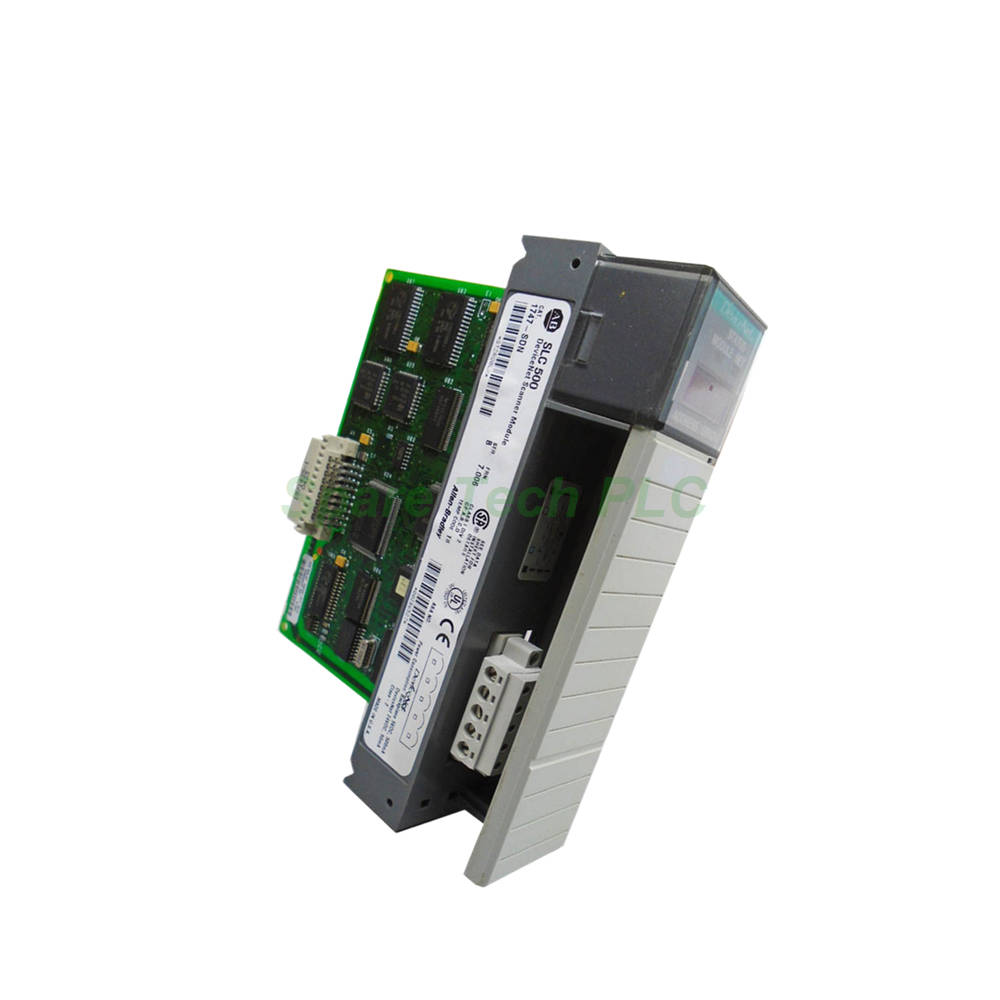
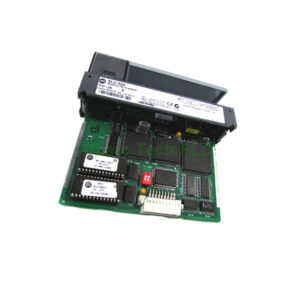
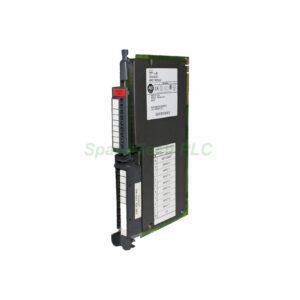
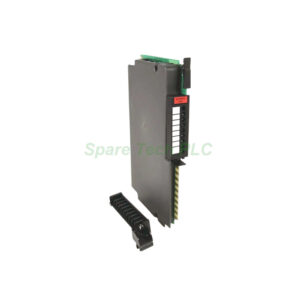
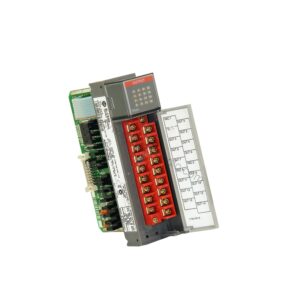
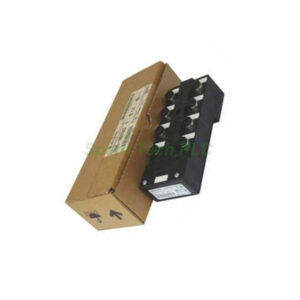
Allen-Bradley 1747-SDN DeviceNet Scanner Module Overview
The 1747-SDN is a dedicated DeviceNet scanner module for the Allen‑Bradley SLC 500 controller family. It serves as the primary communication interface between the SLC processor and DeviceNet adapter modules connected to the DeviceNet network. This single‑slot module enables seamless data exchange with up to 63 nodes on the network. Furthermore, it supports multiple I/O communication modes, including Polled, Strobe, Change‑of‑State, and Cyclic configurations. The 1747-SDN also features a pass‑through capability, allowing it to act as a bridge for programming and configuration access to the DeviceNet network.
Core Technical Specifications and Communication Modes
The 1747-SDN provides robust connectivity and flexible configuration options for DeviceNet networks. Its performance and feature set make it suitable for a wide range of industrial automation applications.
Compatible Processors: This module is compatible with SLC 5/02, 5/03, 5/04, and 5/05 processors. This broad compatibility ensures it can be integrated into most SLC 500 systems.
Communication Modes: The 1747-SDN supports multiple I/O communication modes:
Polled: The scanner requests data from each node cyclically.
Strobe: A single broadcast message triggers responses from multiple nodes.
Change‑of‑State: Data is transmitted only when a value changes, reducing network traffic.
Cyclic I/O: Data is exchanged at a user‑defined fixed interval.
Pass‑Through: The module acts as a bridge, connecting a separate DeviceNet network for programming or configuration access.
Network Specifications: The module operates at a fixed data transfer speed of 125 Kbps. It can manage up to 63 nodes on the network.
Power Requirements: The 1747-SDN draws a backplane current of 500 mA at 5 Volts DC and 90 mA at 24 Volts DC. This should be considered when calculating overall chassis power consumption.
Mechanical and Environmental Parameters
The 1747-SDN is built to withstand harsh industrial environments. It features a rugged design with clearly visible status indicators.
Status Indicators: The front panel includes two LED status indicators. The Module LED reports the module's operational status (red/green), while the Network Status LED indicates the DeviceNet communication link condition (red/green).
Physical Interface: The DeviceNet terminal is located behind an access door. It features a 10‑pin linear plug (1787‑PLUG10R) inserted into the DeviceNet port.
Mounting: The module supports both DIN rail and panel mounting options.
Environmental Ratings:
Operating Temperature: 0 to 55 °C (32 to 131 °F)
Storage Temperature: -40 to 85 °C (-40 to 185 °F)
Operating Shock: 30 g peak acceleration with an 11 ms pulse width
Vibration: Tested to 5 g at 10‑500 Hz per IEC 68‑2‑6
Humidity: 5 to 95% non‑condensing
Isolation: The module provides circuit isolation between DeviceNet and the backplane, tested at 500V AC for 60 seconds.
Installation and Setup Guidance
Installing the 1747-SDN is straightforward, but proper configuration is essential for optimal performance.
Installation: First, ensure the chassis power is off before inserting the module into any available slot. The module occupies a single slot in the SLC chassis.
Node Configuration: Use the LCD display on the front panel to set the module address and monitor error indications. Alternatively, configure the module using your programming software.
Network Wiring: Connect the DeviceNet cable to the 10‑pin linear plug behind the access door. Ensure proper termination and shielding according to DeviceNet installation guidelines.
Processor Configuration: In your ladder logic program, configure the scanner to map I/O data from the connected DeviceNet devices. Data is exchanged through M1/M0 file transfers and discrete I/O mapping.
Packaging and Logistics
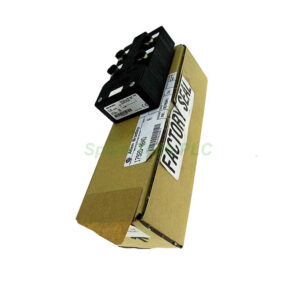
Your order includes the scanner module and the necessary connector. All items are packaged securely to prevent electrostatic discharge damage.
Packaging List:
1 x 1747-SDN DeviceNet Scanner Module
1 x 1787-PLUG10R Linear Plug
Installation Instructions
Shipping: We use FedEx, UPS, or DHL to provide fast and reliable global delivery.
Frequently Asked Questions (FAQ)
Q1: Which processors are compatible with the 1747-SDN?
The 1747-SDN is compatible with SLC 5/02, SLC 5/03, SLC 5/04, and SLC 5/05 processors. It requires a processor of at least SLC 5/02 or later.
Q2: How many nodes can the 1747-SDN support?
This scanner module supports up to 63 DeviceNet nodes at a fixed data transfer speed of 125 Kbps.
Q3: What communication modes does the 1747-SDN support?
It supports Polled, Strobe, Change‑of‑State, Cyclic I/O, and Pass‑Through configuration modes. This flexibility allows you to optimize network traffic for your specific application.
Q4: What is the pass-through feature on the 1747-SDN?
The pass‑through feature allows the 1747-SDN to act as a bridge between the SLC processor and a separate DeviceNet network. This replaces the need for a 1770‑KFD or 1784‑PCD connection for programming and configuration access.
Q5: What are the power requirements for the 1747-SDN?
The module draws 500 mA at 5 Volts DC and 90 mA at 24 Volts DC from the SLC backplane. Ensure your chassis power supply can accommodate these requirements.