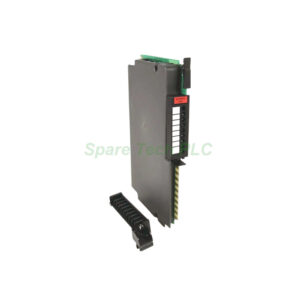
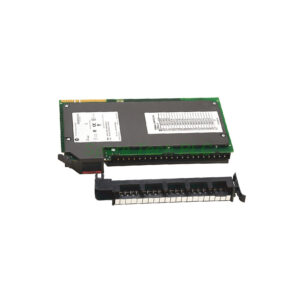
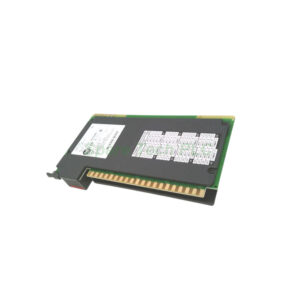
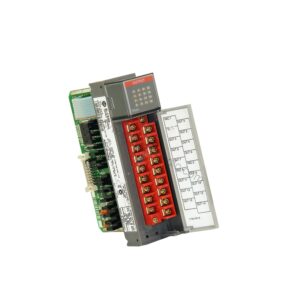
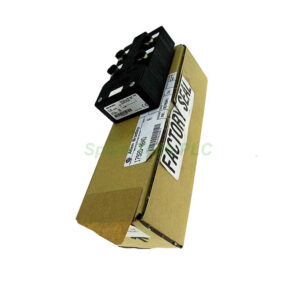
Allen-Bradley 1747-SN Remote I/O Scanner Module Overview
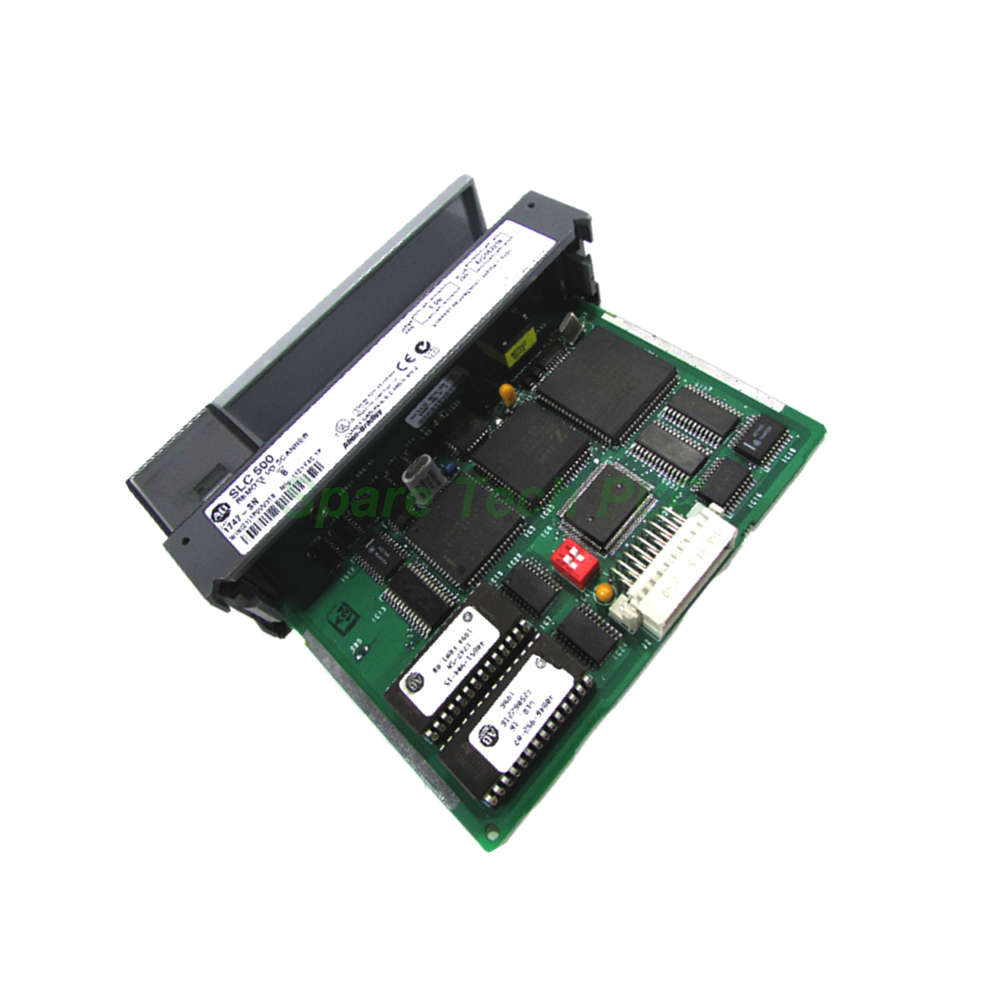
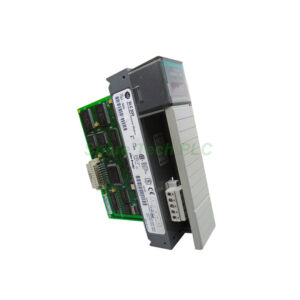
The 1747-SN is a dedicated Remote I/O (RIO) scanner module for the Allen‑Bradley SLC 500 controller family. Its primary function is to implement high‑speed data transfer between SLC processors, Human Machine Interface (HMI) terminals, and other automation devices over a RIO network. This module is particularly valuable for distributed control systems where I/O devices are located far from the main processor. Furthermore, the 1747-SN supports remote I/O passthru, enabling programming and configuration access to the SLC processor through the RIO network.
Core Technical Specifications and Communication Capabilities
The 1747-SN provides robust and flexible communication for remote I/O applications. Its specifications ensure reliable performance over extended distances.
Compatible Processors: This scanner module is compatible with SLC 5/02, 5/03, 5/04, and 5/05 processors. This broad compatibility allows integration into most SLC 500 systems.
Communication Port: The module features one (1) RIO communication port. This is a 3‑pin terminal block designed for use with Belden 9463 cable.
Cable Length and Baud Rates: The 1747-SN supports cable lengths up to 3048 meters (10,000 feet) at 57.6 Kbaud. At the higher 230.4 Kbaud rate, the maximum cable length is 762 meters (2,500 feet). Devices are connected in a daisy‑chain topology with both ends terminated using an 82‑Ohm resistor.
Node Capacity: This scanner supports up to 16 devices when operating in normal mode and up to 32 devices in complementary mode. This flexibility allows you to scale your system as needed.
Power Requirements: The 1747-SN draws a backplane current of 600 mA at 5 Volts DC and 90 mA at 24 Volts DC.
Mechanical and Environmental Parameters
The 1747-SN is designed to operate reliably in demanding industrial environments. Its specifications meet rigorous industry standards.
Operating Temperature: 0 to 60 °C (32 to 140 °F)
Storage Temperature: -40 to 85 °C (-40 to 185 °F)
Relative Humidity: 5 to 95% without condensation
Agency Certifications: UL / C‑UL listed Class I, Division 2, Groups A, B, C, D; CE marked; C‑Tick marked
Weight: Approximately 0.45 kg (1 pound)
Baud Rate Configuration and Installation
Proper configuration is essential for optimal performance. The 1747-SN uses DIP switches for baud rate selection.
Baud Rate Selection: The module provides four selectable baud rates. It uses two DIP switches (Switch 1 and Switch 2) for baud rate configuration. Refer to the installation manual for the specific switch settings for each baud rate.
Termination: Proper network termination is critical. Install an 82‑Ohm, 1/2 Watt terminating resistor at both ends of the daisy‑chain network to prevent signal reflections.
Installation: First, ensure the chassis power is off before inserting the module into any available slot. The 1747-SN occupies a single slot in the SLC chassis. Connect the Belden 9463 cable to the 3‑pin terminal block. Finally, configure the scanner using your programming software to map I/O data from the connected RIO adapters.
Packaging and Logistics
Your order includes the scanner module and necessary documentation. All items are packaged securely to prevent electrostatic discharge damage.
Shipping: We use FedEx, UPS, or DHL to provide fast and reliable global delivery.
Frequently Asked Questions (FAQ)
Q1: Which processors are compatible with the 1747-SN?
The 1747-SN is compatible with SLC 5/02, SLC 5/03, SLC 5/04, and SLC 5/05 processors.
Q2: What is the maximum cable length supported by the 1747-SN?
At 57.6 Kbaud, the module supports cable lengths up to 3048 meters (10,000 feet) . At 230.4 Kbaud, the maximum distance is 762 meters (2,500 feet) .
Q3: What type of cable is required for the 1747-SN?
The module requires Belden 9463 cable for RIO communication.
Q4: How many devices can the 1747-SN support?
This scanner supports up to 16 devices in normal mode and up to 32 devices in complementary mode. The devices are connected in a daisy‑chain topology.
Q5: How do I configure the baud rate on the 1747-SN?
The 1747-SN uses two DIP switches (Switch 1 and Switch 2) to select from four available baud rates. Refer to the installation manual for the correct switch settings.