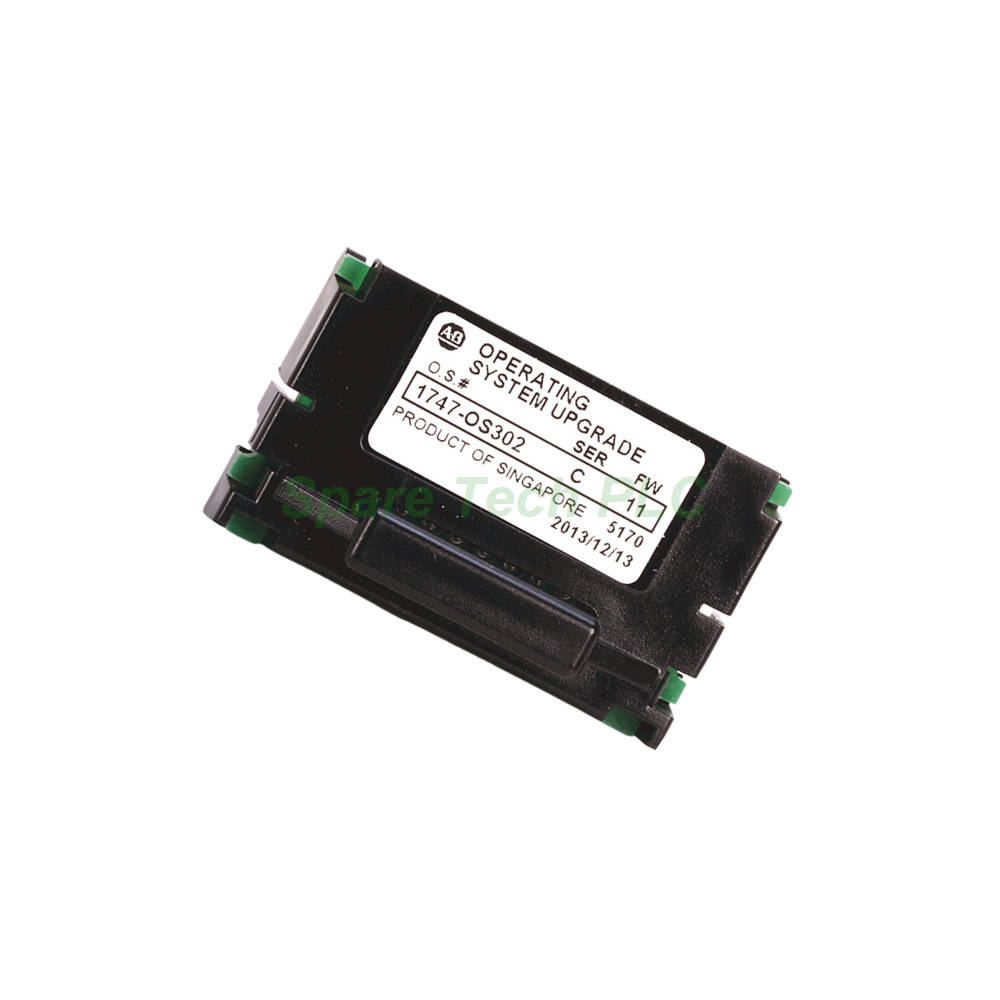
Allen-Bradley 1747-OS302 Firmware Upgrade Kit Overview
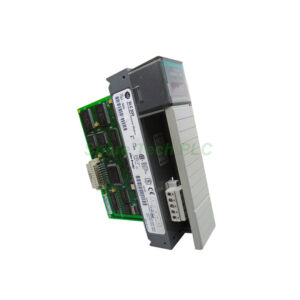
The 1747-OS302 is a dedicated firmware/operating system upgrade kit for Allen‑Bradley SLC 5/03 programmable logic controllers. This kit includes an upgrade memory chip that replaces the existing operating system on the processor. Upgrading your SLC 5/03 processor to OS302 firmware provides access to anomaly fixes and added functionality, ensuring your legacy control system remains reliable and up‑to‑date. Please note that this product has been discontinued by the manufacturer, but it remains essential for maintaining older SLC 500 installations.
Core Specifications and Compatibility
The 1747-OS302 kit is specifically designed for the SLC 5/03 processor family. It is important to verify your current processor firmware version before purchasing this upgrade.
Compatible Processors: This kit upgrades SLC 5/03 processors. Specifically, it is designed for use with processors that require an operating system upgrade to OS302.
Firmware Upgrade: The 1747-OS302 updates the processor firmware to OS302 Series C. Later revisions, such as FRN 8, have been released to address functional issues in earlier Series C versions (FRN 5, FRN 6, or FRN 7).
Installation Note: During the upgrade process, the ladder logic program inside the processor is erased. Therefore, you must save your user program before beginning the installation.
Installation Guidelines
Proper installation is critical for a successful firmware upgrade. Follow these instructions carefully to avoid errors.
Pre-Installation: First, save the current user program to your hard drive, a memory module, or a 1747-PSD Program Storage Device. Then, remove the communication cable between the processor and your programming terminal.
Jumper Settings: Before installing the upgrade, check the operating system write‑protect jumper (J4). The processor must accept the firmware download. After completing the download, move the J4 jumper back to the protected position.
Installation Procedure: Remove the processor from the chassis and carefully install the firmware upgrade chip. Reinsert the processor and apply power. The download process takes up to 2.5 minutes. The LEDs will indicate the progress, with the RS232, DH485, FORCE, and BATT LEDs turning on and off in a walking bit sequence.
Post-Installation: After a successful download, these four LEDs remain on together. If the FLT LED turns on with a combination of other LEDs, refer to the troubleshooting information in the user manual. Finally, apply the enclosed firmware upgrade label to the processor nameplate for future reference.
Packaging and Logistics
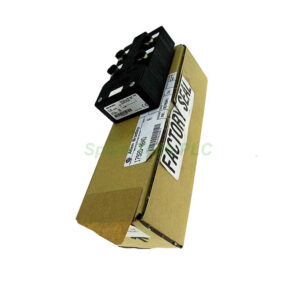
Your order includes the firmware upgrade chip and necessary documentation. All items are packaged securely to prevent electrostatic discharge damage.
Shipping: We use FedEx, UPS, or DHL to provide fast and reliable global delivery.
Frequently Asked Questions (FAQ)
Q1: Which processors are compatible with the 1747-OS302?
The 1747-OS302 is specifically designed for the SLC 5/03 processor. It upgrades the operating system to OS302 firmware. It is not compatible with SLC 5/04 or SLC 5/05 processors.
Q2: Will upgrading the firmware erase my existing program?
Yes. The user program is cleared as part of the firmware upgrade process. Therefore, you must save your ladder logic program before starting the installation.
Q3: How long does the firmware download process take?
The download process typically takes up to 2.5 minutes. During this time, the RUN and FLT LEDs remain off while the other four LEDs (RS232, DH485, FORCE, and BATT) cycle in a walking bit sequence.
Q4: What should I do if the FLT LED turns on during installation?
If the FLT LED turns on with a combination of other LEDs flashing, an error condition exists. First, verify the J4 jumper is in the correct position. Refer to the troubleshooting information in the installation instructions for specific error codes and recommended actions.
Q5: Is the 1747-OS302 still available from the manufacturer?
No, the 1747-OS302 has been discontinued by Allen‑Bradley. However, it remains available through surplus and aftermarket suppliers for legacy system maintenance and upgrades.