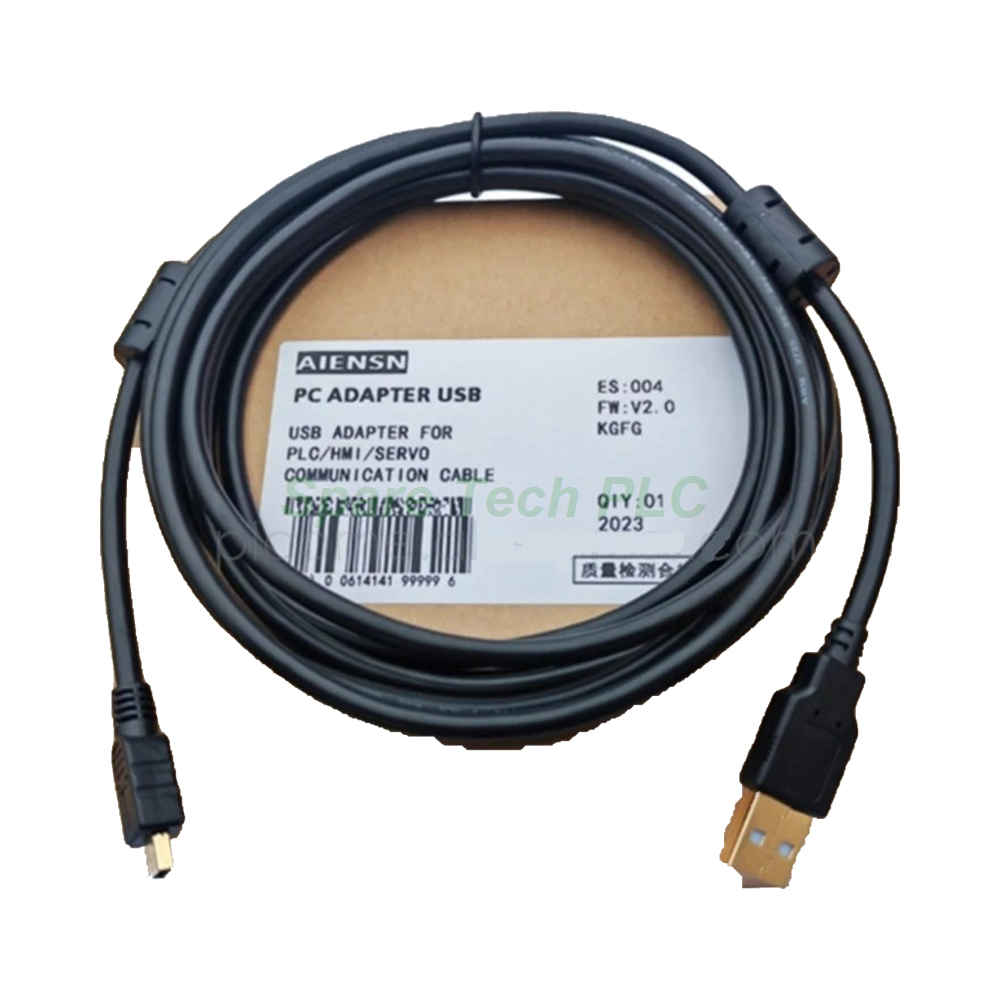
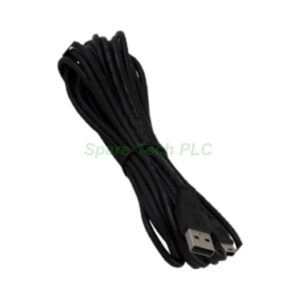
Schneider Electric BMXXCAUSBH018 USB Programming Cable
Product Introduction
The BMXXCAUSBH018 is a purpose-built programming cable for the Modicon X80 platform. Schneider Electric designs this cable to link a standard PC to the Mini-B USB port on an M340 or M580 CPU. As a result, engineers can download programs, upload configurations, and run diagnostics with ease. The cable carries USB 2.0 signals at full speed for stable data transfer. Therefore, it suits commissioning, maintenance, and firmware update tasks. Moreover, the compact 1.8 m length keeps the work area tidy.
Technical Specifications
The cable length is 1.8 m, which fits most bench and cabinet setups. One end offers a USB Type-A plug for the PC side. The other end carries a Mini-B USB plug for the CPU port. Meanwhile, the cable supports USB 2.0 full-speed data transfer.
Specifically, the BMXXCAUSBH018 works with M340 and M580 processors. It also fits any X80 CPU that offers a Mini-B USB programming port. In addition, the shielded construction lowers electromagnetic noise on the data lines. The molded connector bodies provide solid strain relief. Furthermore, the cable jacket resists abrasion during frequent plugging.
Mechanical and Environmental Parameters
The cable diameter is about 4.5 mm, which allows easy routing in a laptop bag. Its minimum bend radius is roughly 20 mm for safe handling. The outer jacket uses flexible PVC material. Operating temperature ranges from 0 °C to 50 °C. Storage temperature spans -20 °C to 60 °C. Besides, the cable meets standard USB 2.0 electrical requirements. The connector contacts use gold plating for stable signals. Moreover, the assembly weighs about 0.12 kg, so it travels well for field service.
Installation Guide
First, install the Schneider programming software on your PC. Next, connect the Type-A plug to a free USB port. Then plug the Mini-B end into the CPU programming port. After that, wait for the system to detect the new device. Finally, open the software and select the correct COM port.
Additionally, install the USB driver before the first connection. This step avoids detection errors on some Windows versions. Furthermore, keep the cable away from strong noise sources. For instance, do not run it beside motor drive cables. Therefore, use a short extension if you need more reach. Meanwhile, unplug the cable gently to protect the Mini-B connector.
Packaging List
1 x Schneider BMXXCAUSBH018 USB programming cable, 1.8 m
1 x Anti-static protective bag
1 x Carton box with foam padding
FAQ
Q1: Which controllers support the BMXXCAUSBH018 cable?
A: It works with Modicon M340 and M580 controllers on the X80 platform. Any X80 CPU with a Mini-B USB port supports it.
Q2: Does this cable need a special driver?
A: Yes. Install the Schneider USB driver with your programming software. Most packages include the driver on the installation disc.
Q3: Can I use this cable for firmware updates?
A: Yes. It supports firmware downloads and program transfers. Use the official Schneider tool for safe updates.
Q4: What is the difference between this cable and the X-bus cables?
A: This cable connects a PC to a CPU for programming. X-bus cables, such as the BMXXBC050K, link racks for I/O expansion.
Q5: How fast can you ship this part?
A: We ship by Fedex, UPS, and DHL. Most orders leave the warehouse within 1–2 business days after payment.