Schneider 140NOE77111 Modicon Quantum Ethernet Module
Product Introduction
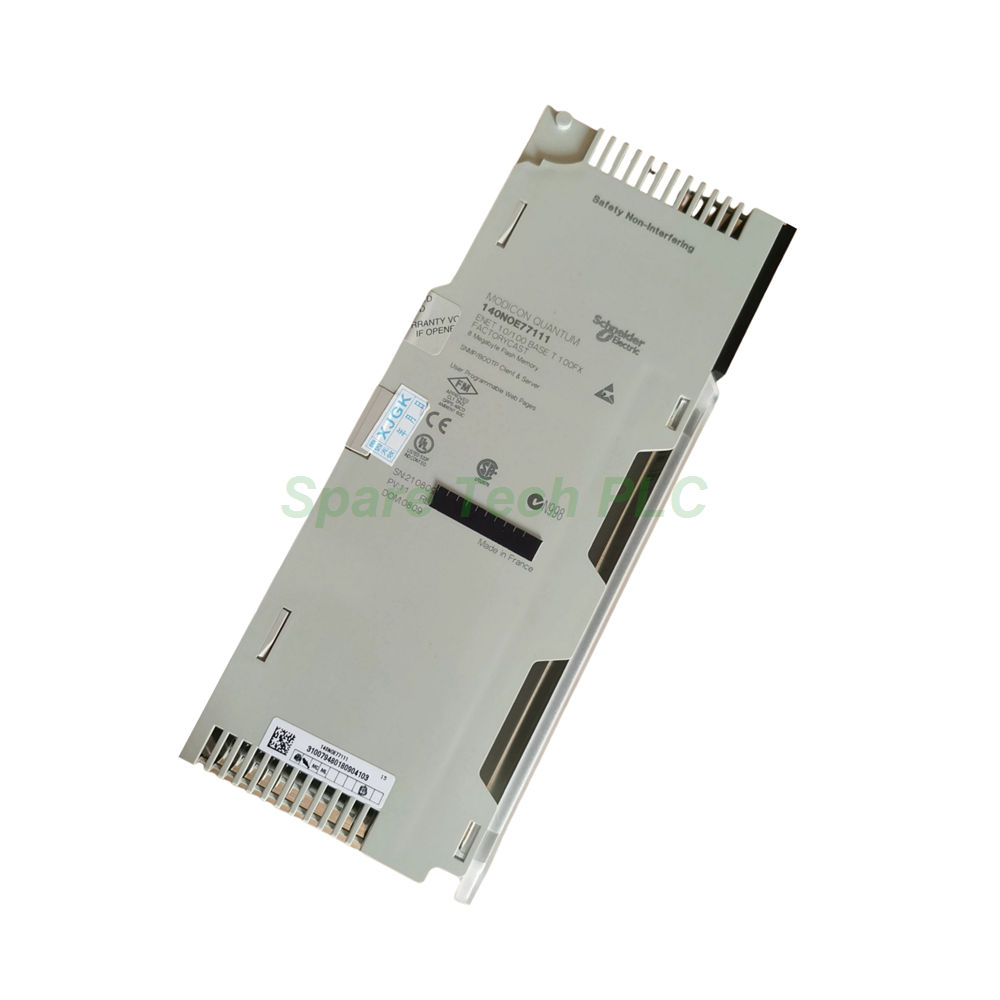
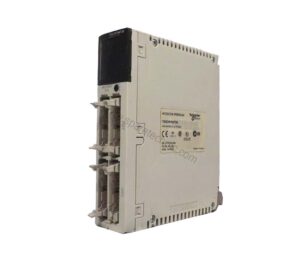
The 140NOE77111 is a fully featured Ethernet network module designed for the Modicon Quantum automation system. It provides seamless TCP/IP connectivity and supports the Transparent Ready concept, which enables direct web‑based access to control system data. This module integrates a Class C30 web server, allowing operators to view rack status, edit data, and configure FactoryCast services through a standard browser. Furthermore, it includes advanced communication features like bandwidth management, NTP time synchronization, and SNMP network management. The dual physical interfaces—MT/RJ fiber optic and RJ45 copper—offer flexible cabling options for diverse plant layouts. Meanwhile, its hot standby redundant architecture ensures high availability for mission‑critical processes.
Key Technical Specifications
Communication Protocols and Interfaces
The 140NOE77111 supports Ethernet Modbus TCP/IP as its primary protocol, ensuring reliable data exchange with programmable controllers and other industrial devices. For physical connectivity, this module provides two ports: an MT/RJ connector for 100BASE‑FX fiber optic and an RJ45 connector for 10BASE‑T/100BASE‑TX twisted pair. The transmission rate automatically adapts to 10 or 100 Mbit/s, which simplifies integration into existing network infrastructures. Additionally, the module offers I/O scanning capabilities, enabling it to actively poll remote devices without CPU intervention. It also handles Modbus TCP messaging for peer‑to‑peer communication and supports Global Data exchange for distributed control applications.
Web Services and Transparent Ready
With its built‑in web server, the 140NOE77111 delivers a range of web services that enhance operational visibility. The Rack Viewer lets you monitor the entire Quantum rack's health and status from any connected device. Moreover, the FactoryCast configurable interface allows you to create custom dashboards for process data. The Data Editor feature provides online parameter adjustments, reducing downtime during maintenance. These tools collectively make the 140NOE77111 an intelligent gateway for remote asset management.
Network Management and Redundancy
This module includes SNMP network management for seamless integration with enterprise‑level monitoring systems. It also supports an FDR server for automatic firmware and configuration file distribution. In terms of redundancy, the 140NOE77111 fully supports a hot standby redundant architecture, which ensures uninterrupted operation even if a primary module fails. Consequently, this makes it an excellent choice for critical infrastructure such as power generation and water treatment facilities.
Mechanical and Environmental Specifications
Power Consumption and Physical Dimensions
The 140NOE77111 draws 750 mA at 5 V DC directly from the rack's power supply, eliminating the need for an external power source. Its standard module format fits any slot in a Modicon Quantum chassis. The unit weighs approximately 0.345 kg (0.761 lb), and its compact dimensions (4.7 x 16.5 x 31.5 cm) save valuable panel space.
Environmental Ratings and Certifications
The module carries an IP20 protection rating, making it suitable for indoor control cabinets. It complies with UL 508, cUL, FM Class 1 Division 2, and CSA C22.2 No 142 standards, ensuring safety in hazardous locations. For electromagnetic compatibility, it withstands 4 kV contact discharge (IEC 801‑2) and 9.1 V/m radiated fields (IEC 801‑3). The operating temperature ranges from 0 °C to 60 °C (32 °F to 140 °F) , while storage permits extremes from ‑40 °C to 85 °C (‑40 °F to 185 °F). Additionally, it tolerates 95% relative humidity (non‑condensing) and works at altitudes up to 4,500 meters (14,764 ft).
Local Status Indication
Nine built‑in LEDs provide clear visual diagnostics. For instance, the Link LED confirms network activity, while the Fault and Run LEDs indicate module health. The 10/100 LED shows the current data rate, and the TxAct/RxAct LED blinks during transmission or reception. These indicators simplify troubleshooting and reduce mean time to repair.
Installation Guidelines
Mounting the 140NOE77111 is straightforward. Simply insert it into any available standard slot of the Modicon Quantum backplane. The module draws power directly from the rack, so no separate wiring is required. After insertion, connect either the fiber optic cable to the MT/RJ port or the copper Ethernet cable to the RJ45 port—or both, if you need dual‑media connectivity. Next, configure the IP address and network parameters through the integrated web interface or using a configuration tool. Finally, verify the LED status to confirm proper operation. For redundant setups, install two modules in separate racks and enable the hot standby mode via the software. Always ensure that the ambient temperature stays within the specified range and that the cabinet provides adequate airflow.
Packaging List
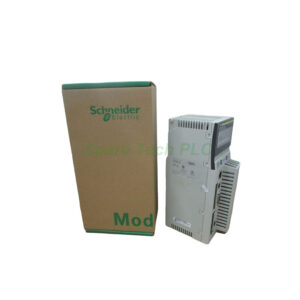
The shipping package for the 140NOE77111 includes:
One 140NOE77111 Ethernet TCP/IP module
One MT/RJ fiber optic connector cap (protective cover)
One printed quick‑start guide (multilingual)
One plastic anti‑static bag for safe handling
Note: Cables, mounting hardware, and software licenses are sold separately.
Shipping Information
All orders are dispatched via FedEx, UPS, or DHL with full tracking and insurance. Standard delivery typically takes 3‑7 business days depending on the destination. Expedited shipping options are also available upon request.
Frequently Asked Questions
1. Can the 140NOE77111 be used in a redundant control system?
Yes. The 140NOE77111 explicitly supports hot standby redundant architectures, ensuring seamless failover in critical applications.
2. Does this module support both fiber and copper connections simultaneously?
Yes. You can connect both the MT/RJ fiber port and the RJ45 copper port at the same time, though only one will be active for data exchange unless configured otherwise.
3. What is the maximum number of I/O devices this module can scan?
The 140NOE77111 can scan up to 64 remote devices via its I/O scanning service, depending on the network configuration and response time requirements.
4. Is the web server accessible from outside the plant network?
Yes, but you must configure appropriate firewall and security policies. The module supports HTTPS for encrypted communications, and we recommend using VPNs for remote access.
5. How do I reset the module to factory default settings?
You can perform a factory reset using the web interface's maintenance menu, or by holding the reset button (if equipped) during power‑up. Always back up your configuration before resetting.