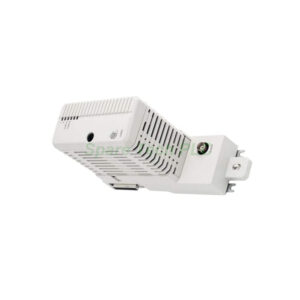
ABB CI520 AF100 Interface Exchange
Product Introduction
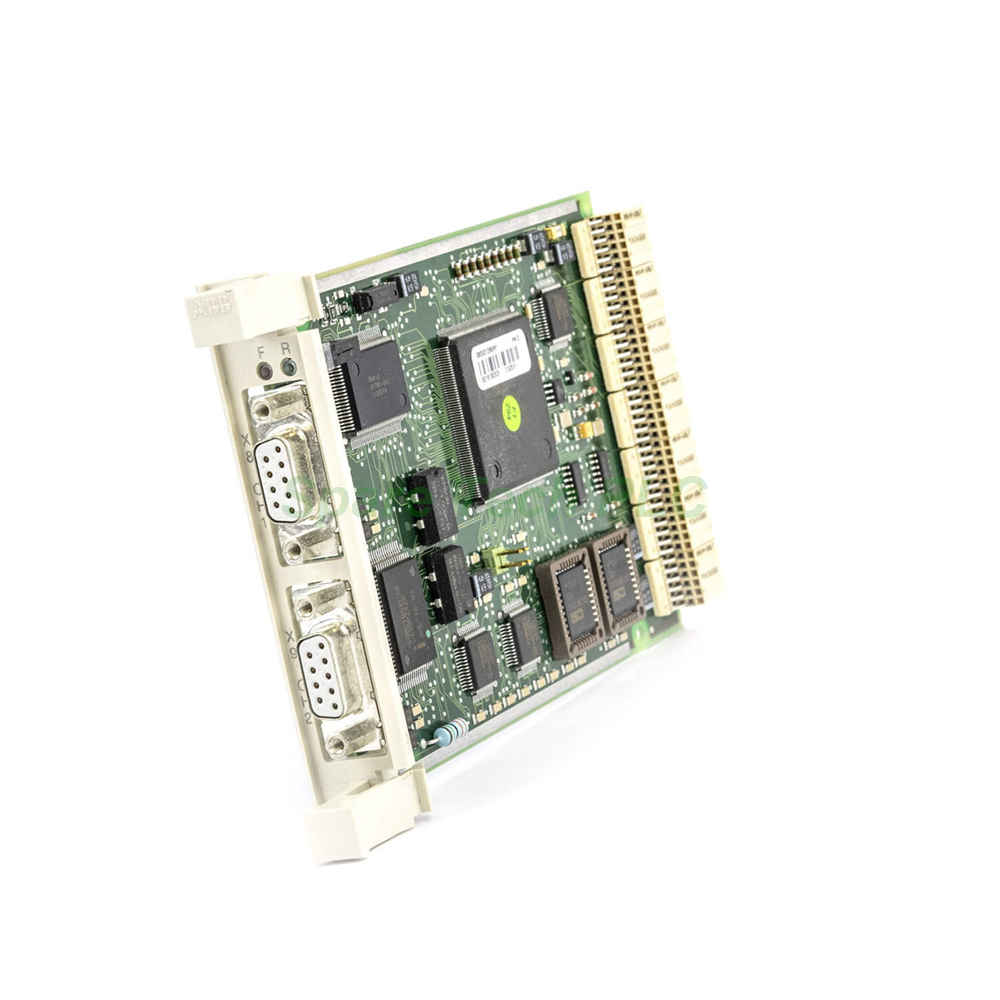
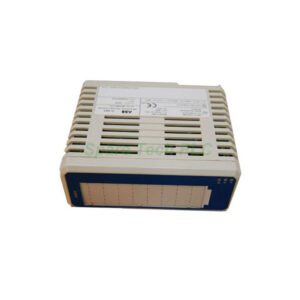
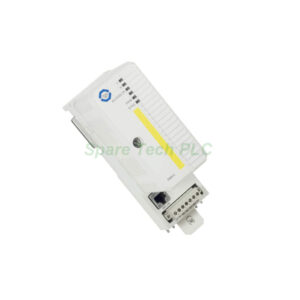
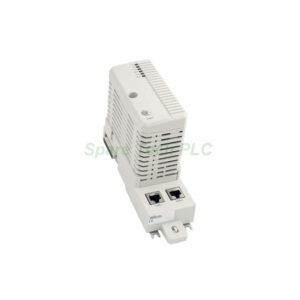
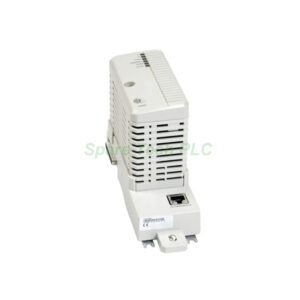
The ABB CI520 module serves as a dedicated AF100 interface. This communication module supports data exchange within ABB automation systems. Its exchange version (part number 3BSE001800R1) requires returning the defective unit under RMA terms. Otherwise, an extra charge will apply. Manufactured in Sweden, this product has a net weight of only 0.15 kg. You can use it to replace the old part number 7650055-394. The module fits perfectly in spare parts inventory for AF100 networks.
Technical Specifications
This section covers the core technical details of the CI520 module. First, the module operates specifically as an AF100 interface. Therefore, it connects devices using the AF100 protocol. Additionally, the product type remains a communication module. Its frame size falls under spare parts classification.
Specifically, the ABB CI520 carries a customs tariff number of 85176200. This number relates to communication equipment. Moreover, the module supports exchange transactions. This means you send back the broken part. Meanwhile, the selling unit is one piece. Furthermore, the order multiple is also one piece. The minimum order quantity is one piece.
For warehouse stocking, this item is available in Malmö, Sweden. The invoice description clearly states "CI520 AF100 Interface". Besides, the medium description simply says "AF100 Interface". The product name is Communication Module. Finally, the made-to-order flag is set to "No". Therefore, you can expect stock availability for quick shipment.
Mechanical & Environmental Data
The CI520 module weighs 0.15 kg gross and net. Its compact size saves panel space. Additionally, the country of origin is Sweden. This ensures high manufacturing quality. Moreover, the WEEE category confirms the product is not in WEEE scope. Hence, disposal follows standard electronic waste rules. The operating environment suits typical industrial conditions. No special cooling is required. However, keep the module away from moisture and dust.
Installation Guidelines
Installing the ABB CI520 requires basic tools and care. First, power down the system completely. Next, remove the old module if present. Then, insert the new CI520 into the designated slot. Ensure firm seating of connectors. After installation, secure any retaining screws.
Additionally, check for bent pins before insertion. For exchange parts, you must return the defective unit. The replaced part with RMA must go back according to terms and conditions. Otherwise, an extra charge will apply. Therefore, keep the original packaging for return shipping. Use anti-static precautions during handling. Finally, power up the system and verify communication status.
Packaging List
ABB CI520 communication module (1 piece)
Anti-static bag for protection
Quick reference guide (paper copy)
RMA return instructions for the exchange part
*Note: No warranty certificate or quality certificate is included. No 12-month guarantee document is provided.*
Shipping Information
We ship using FedEx, UPS, or DHL. The gross weight per package is 0.15 kg. Each package contains one piece. Transit time depends on your location. Typically, delivery takes 3–7 business days. Tracking numbers are provided after dispatch. Moreover, customs clearance is the buyer's responsibility. The declared tariff number is 85176200.
Frequently Asked Questions (FAQ)
1. What happens if I do not return the old part?
An extra charge will apply. The exchange model requires returning the defective unit under our terms and conditions. Therefore, always include the RMA paperwork.
2. Is this ABB CI520 a new or repaired module?
This is an exchange product (Type: Exchange). It serves as a replacement spare part. You send back the broken module, and we provide a working one.
3. Can I use the CI520 with non-ABB systems?
The CI520 is designed specifically for ABB AF100 networks. Compatibility with third-party systems is not guaranteed. For best results, use it within ABB automation environments.
4. Does this module require any software configuration?
Yes, basic AF100 network parameters may need setting. Refer to the ABB system manual for detailed steps. The hardware itself is plug-and-play after configuration.
5. How do I verify the module is working after installation?
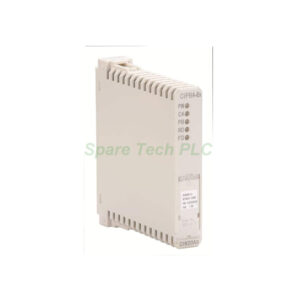
Check the status LEDs on the ABB CI520. Compare them with the normal operation indicators in the product documentation. Additionally, monitor AF100 network traffic for successful data exchange.