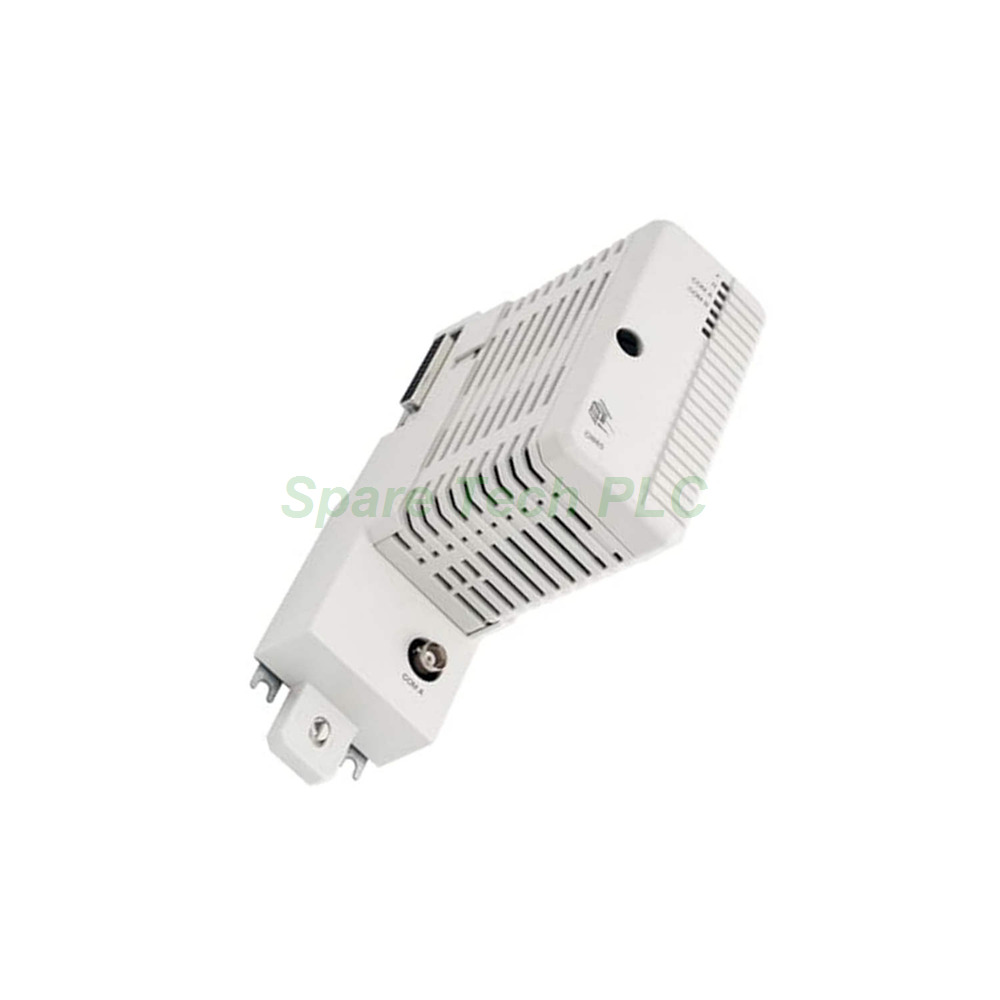
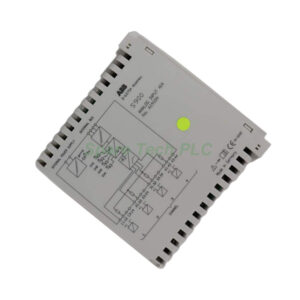
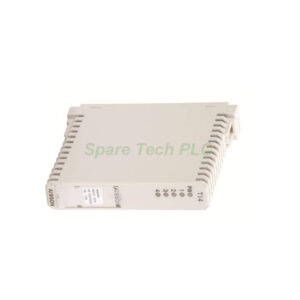
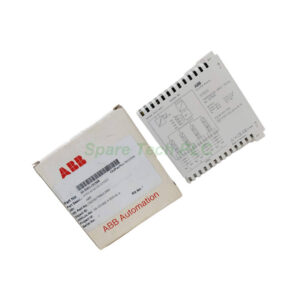
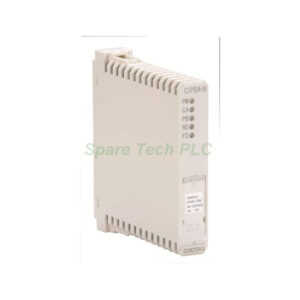
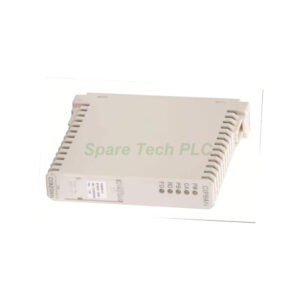
ABB CI865 3BSE040795R1 Satt Communication Interface Module
CI865 Technical Specifications
Max units on CEX bus: 4
Distributed I/O systems per CI865: 31
Protocol: ABB’s Satt I/O (not general ControlNet)
Master or slave: Master
Line redundancy: No
Module redundancy: No
Hot Swap: Yes
Connector: BNC
24 V consumption (typical): 120 mA
The AC 800M controller can host up to four CI865 modules simultaneously. Each module connects to a separate Satt ControlNet segment. This setup helps you retain legacy I/O while upgrading the controller to the AC 800M platform.
CI865 Mechanical and Environmental Data
Temperature (operating): 0 to +55 °C (+32 to +131 °F)
Temperature (storage): -40 to +70 °C (-40 to +158 °F)
Corrosion protection: G3 compliant to ISA 71.04
Protection class: IP20 (EN60529, IEC 529)
CE‑marking: Yes
RoHS compliance: EU RoHS, UAE RoHS, CN RoHS
WEEE compliance: DIRECTIVE/2012/19/EU
Dimensions:
The module weighs exactly 700 g with its base. Its compact form factor leaves space for other modules on the same CEX bus.
Frequently Asked Questions (FAQ)
1. Can I use the ABB CI865 with a High Integrity (HI) controller?
No, the ABB CI865 cannot be used in a High Integrity controller. For HI systems, select a different communication module.
2. Does the CI865 require any software configuration before use?
No, the CI865 supports true plug‑and‑play operation. It needs no configuration before installation and starts scanning I/O automatically.
3. How many Satt I/O systems can one CI865 handle?
A single ABB CI865 scans up to 31 distributed Satt I/O systems, including Rack I/O and Series 200 types.
4. Is the CI865 a general ControlNet interface?
No, the CI865 only works with ABB’s proprietary Satt I/O protocol. You cannot use it as a standard ControlNet interface for third‑party devices.
5. What happens if the BNC cable fails during operation?
The CI865 reports a communication loss to the AC 800M controller. The system can then trigger an alarm or execute a safe shutdown routine. Because the module supports hot swap, you can replace the cable without powering off the controller.