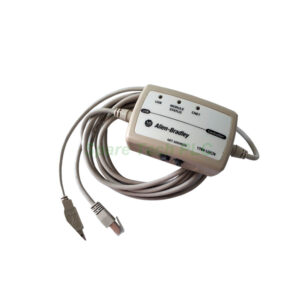
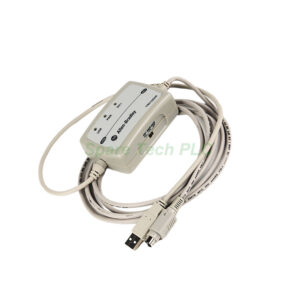
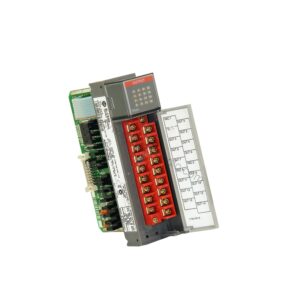
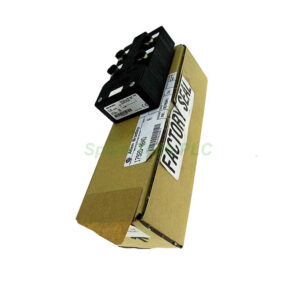
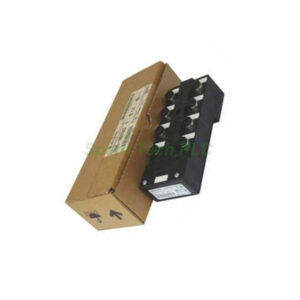
1784-PKTXD Allen-Bradley 2 Channel PCI Communication Card
Product Introduction
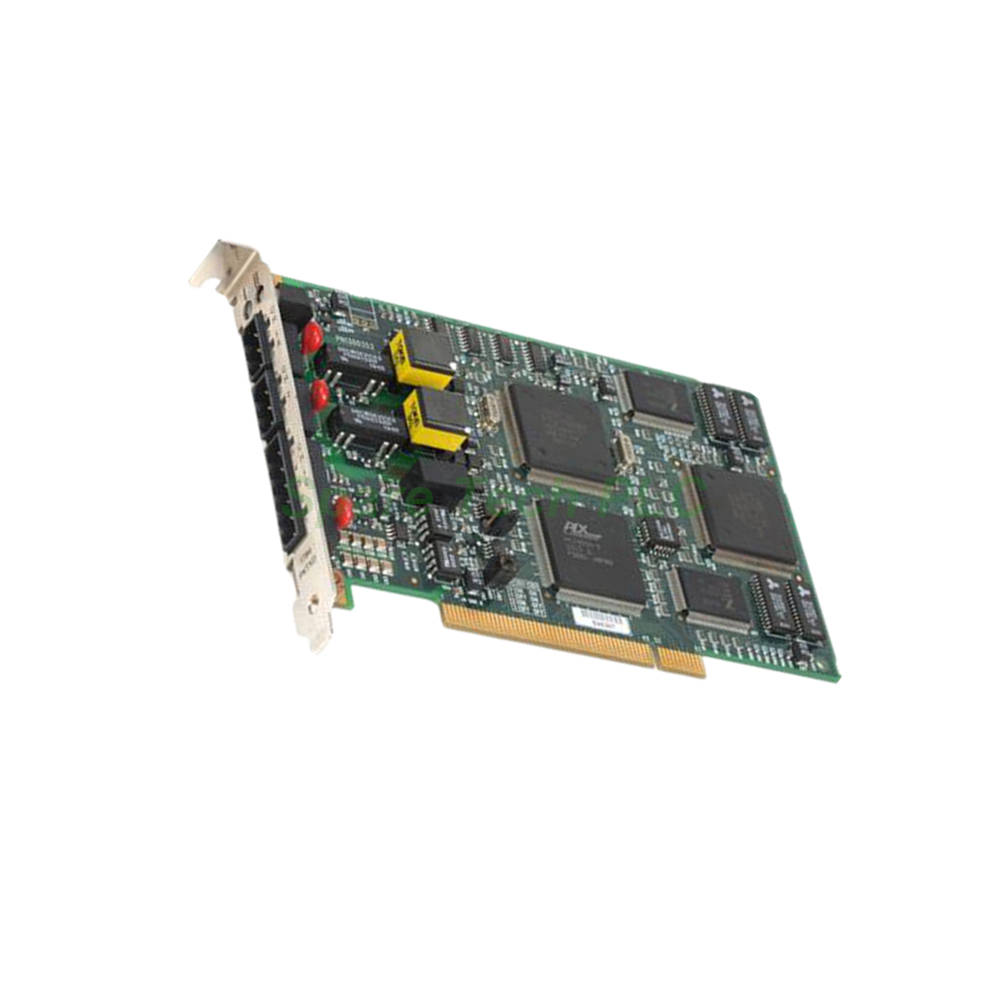
The 1784-PKTXD is a high-performance communication card manufactured by Allen-Bradley. As part of the PLC-5 series, this 2-channel interface card provides a seamless connection between a personal computer and several classic industrial networks. Specifically, it supports Data Highway Plus (DH+), Remote I/O (RIO) scanner functionality, and DH-485. This card enables efficient data acquisition, programming, and system monitoring for legacy automation systems. Furthermore, its universal PCI design ensures broad compatibility with modern PC hardware.
Technical Specifications
Communication Channels and Protocols
The 1784-PKTXD is a dedicated 2-channel card. It supports DH+, RIO scanner, and DH-485 protocols on its channels. This allows it to act as a powerful interface for controlling and monitoring industrial devices. For instance, it can communicate with PLC-5 processors on a DH+ network. Simultaneously, it can manage data exchange with SLC processors on a DH-485 network.
Host Interface and Signaling
This card features a standard PCI Bus host interface. A key feature of the 1784-PKTXD is its support as a Universal PCI Card. Consequently, it operates seamlessly with both 3.3-Volt and 5-Volt signaling environments. This eliminates the guesswork when installing into different PC motherboards. Therefore, you can install it into any PCI bus slot keyed for either voltage.
Compatible Controllers
The 1784-PKTXD communicates directly with nodes on the DH+ network. These nodes include PLC-5, PLC-5/250, and SLC 5/04 processors. This broad compatibility makes it an excellent choice for sites running legacy Allen-Bradley equipment. Additionally, the I/O scanner functionality works with soft-control or embedded control engines.
Data Exchange and Memory
Data transmission between the 1784-PKTXD and the host PC occurs through a dual-port interface. This interface requires up to 4 KB of memory at the base memory address. The PCI BIOS assigns this address automatically whenever the PC starts. This streamlined process ensures efficient and reliable data management.
Controls, Indicators, and Functionality
The card features operating network status controls and indicators. These provide clear visual feedback on the network state. The 1784-PKTXD is designed for general programming, configuration, and monitoring tasks. Therefore, it is a versatile tool for both engineering and maintenance teams.
Mechanical and Environmental Parameters
Physical Dimensions and Weight
The 1784-PKTXD shares the compact form factor typical of the 1784 series. It is lightweight, weighing approximately 0.3 lbs (0.1 kg). Its standard PCI profile allows for easy installation in most desktop computers.
Operating Environment
While specific temperature and humidity ratings are not listed in the provided text, the card is built for industrial use. It is expected to perform reliably in standard plant floor conditions. For detailed environmental specifications, please refer to the official Rockwell Automation documentation.
Installation Requirements
The 1784-PKTXD must be inserted into an available PCI bus slot. Since it is a universal card, it fits into slots keyed for either 3.3V or 5V signaling. Moreover, no external power supply is required, as the card draws all needed power from the PCI bus.
Installation and Configuration Guide
Hardware Installation
First, power off the PC and disconnect it from the mains. Then, locate an available PCI slot on the motherboard. Carefully insert the 1784-PKTXD into the slot, ensuring it is fully seated. Secure the card with the mounting screw. After powering on, the system BIOS will detect the new hardware.
Driver and Software Setup
The 1784-PKTXD typically utilizes drivers compatible with Rockwell Automation software, such as RSLinx. Correct driver installation is crucial for proper operation. The card’s dual-port interface enables seamless data exchange with the host PC.
Network Connection
Connect the appropriate cables to the 1784-PKTXD for your network type. For DH+ networks, use cables with the correct Phoenix connectors. Ensure proper network termination to avoid communication errors. The I/O scanner functionality supports flexible configuration for different control engines.
Packaging List
1784-PKTXD Allen-Bradley 2 Channel Communication Card (1 unit)
Installation instructions (quick start guide)
No software CDs, cables, or wiring arms included
Packaging excludes certificates and warranty documents
Shipping and Delivery
All orders are processed promptly and shipped via reliable global carriers. Specifically, we offer FedEx, UPS, and DHL as our primary shipping services. The 1784-PKTXD is carefully packed in anti-static material to prevent damage. Furthermore, we provide tracking information for all shipments, ensuring you can monitor your delivery.
Frequently Asked Questions (FAQ)
1. What is the main difference between the 1784-PKTX and the 1784-PKTXD?
The 1784-PKTXD is a 2-channel card, whereas the standard 1784-PKTX has a single combined channel. Additionally, the 1784-PKTXD features universal PCI support for both 3.3V and 5V slots, offering greater flexibility.
2. Can I use the 1784-PKTXD with a modern PC running Windows 10?
The card may function with legacy driver support. However, compatibility depends on your specific operating system and driver availability. We recommend checking Rockwell Automation’s official support site for driver details.
3. Does this card support Remote I/O (RIO) scanner functionality?
Yes, the 1784-PKTXD includes built-in RIO scanner support. This feature enables it to interface with remote I/O chassis, making it suitable for distributed control applications.
4. What cable do I need to connect this card to a DH-485 network?
For DH-485 connections, you would typically use a cable with a 6-pin Phoenix connector, such as the 1784-CP14. Ensure proper termination is configured for reliable communication.
5. How is the base memory address assigned to the 1784-PKTXD?
The PCI BIOS automatically assigns the base memory address during system startup. This address is required for the dual-port interface to exchange data between the card and the host PC.