Product Introduction
The Woodward 5464-659 represents a critical evolution in "Smart I/O" technology for industrial turbine control. Unlike traditional passive components, this module utilizes its own integrated microcontroller to handle complex scheduling and diagnostic tasks. Consequently, this design minimizes CPU intervention, allowing the main system processor to focus on high-level control logic rather than routine I/O management.
Smart I/O and Rate Group Scheduling
Each Woodward 5464-659 manages its own rate-group scheduling through a sophisticated initialization and key broadcast system. Specifically, the main CPU tells the module which rate group each channel belongs to during the power-on sequence. Subsequently, the module autonomously updates these groups based on a periodic "key" broadcast from the central system. Furthermore, this decentralized architecture ensures that timing precision is maintained even under heavy system loads.
Automated Calibration and Diagnostics
One of the standout features of the Woodward 5464-659 is its on-card automatic calibration system. Each input channel includes a dedicated precision voltage reference that the microcontroller reads once per minute. Meanwhile, the module uses this data to perform temperature compensation and detect potential hardware drifts. Therefore, if a reading falls outside pre-set limits, the microcontroller immediately flags a fault to protect the machinery.
Technical Specifications
| Parameter | Detail |
| Part Number | 5464-659 |
| Output Range | 0 to 200 mAdc |
| Interface | VME-bus (Dual-Port Memory) |
| Protection | On-board Replaceable Fuse |
| Indicators | Single FAULT LED |
| Storage | Calibration Constants in EEPROM |
Mechanical and Environmental Parameters
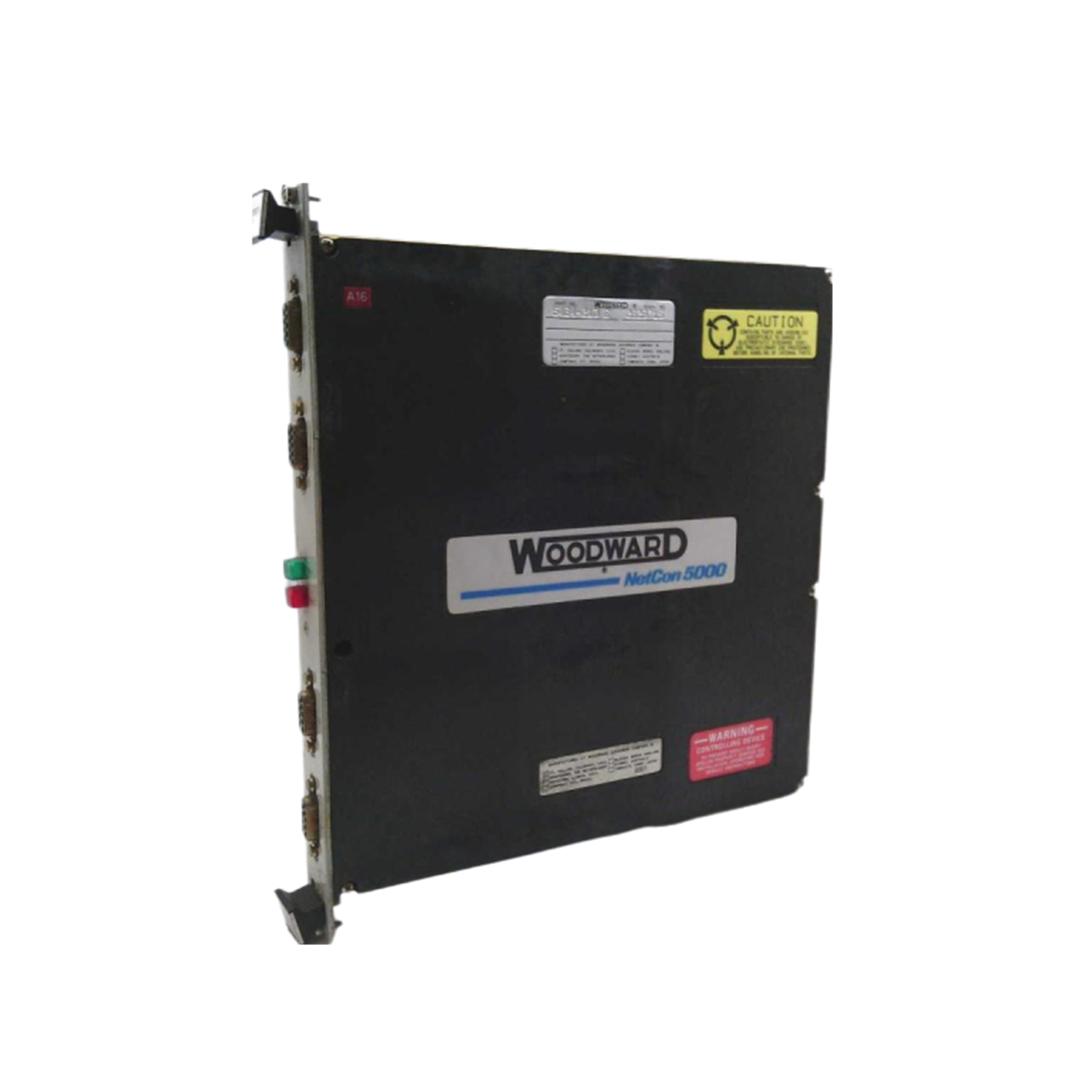
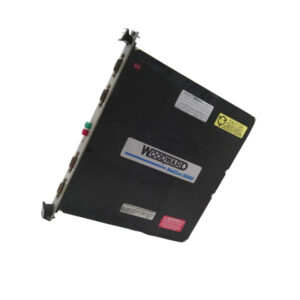
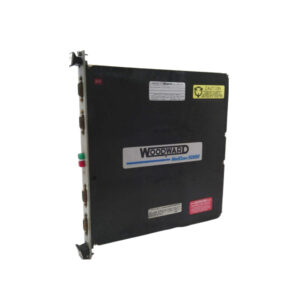
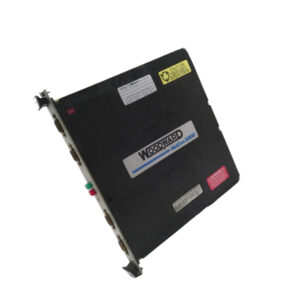
The Woodward 5464-659 is housed in a durable plastic cover designed for secure panel mounting. Specifically, the dimensions are 16cm x 16cm x 12cm, providing a compact footprint for high-density I/O racks. Notably, the module includes a physical cutout in the plastic cover, which allows technicians to inspect and replace the internal fuse without dismantling the entire unit.
Installation Guide
First, verify that you are using a MicroNet low-density discrete (gray) cable for all connections. Next, slide the Woodward 5464-659 into the VME chassis slot until the connectors are fully seated. After that, secure the module by tightening the retaining screws to prevent accidental disconnection. Finally, confirm that the FAULT LED turns off after the power-on self-test (POST) finishes, indicating a successful CPU initialization.
Packaging List
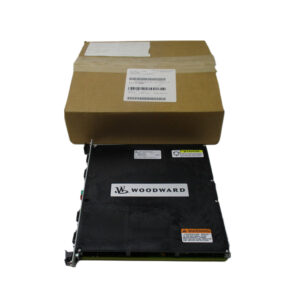
1 x Woodward 5464-659 Digital Speed Sensor Module
Anti-static Shielding Bag
Shipping Carrier: Fedex, UPS, DHL
FAQ
Q: What should I do if the FAULT LED remains illuminated after startup?
A: This usually indicates a power-on self-test failure or an I/O fault. Check the internal fuse through the cover cutout first.
Q: Can I use a standard analog (black) cable with the Woodward 5464-659?
A: No, you must use the gray low-density discrete cable specifically designed for this digital module.
Q: How often does the Woodward 5464-659 perform self-calibration?
A: The onboard microcontroller reads the precision voltage reference and performs calibration checks once every minute.