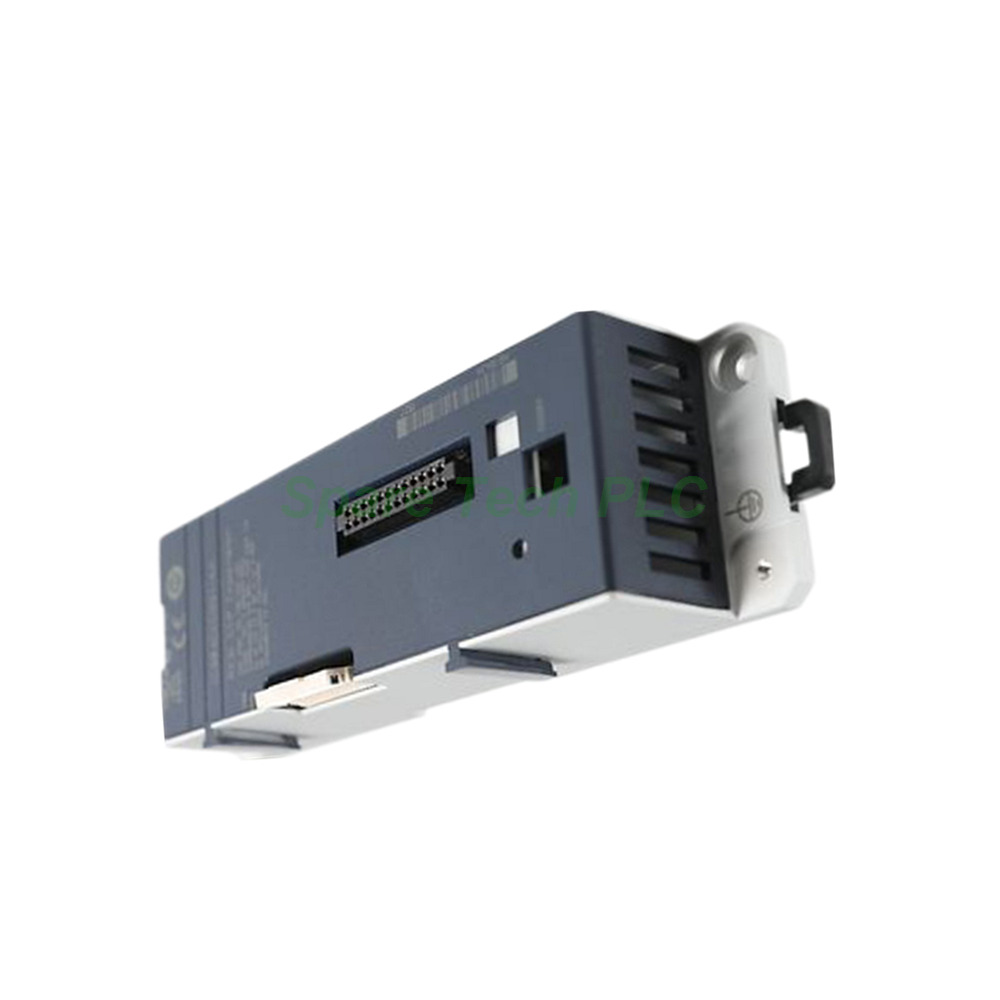
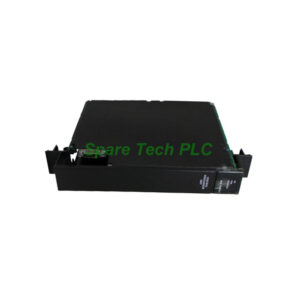
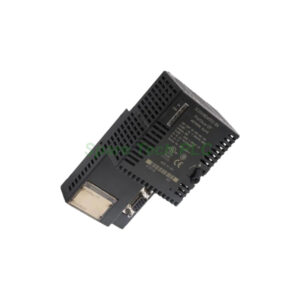
IC694CEE001 GE Fanuc RX3i CEP Expansion Carrier
Product Introduction
The IC694CEE001 is a dedicated expansion carrier from GE Fanuc for the RX3i PacSystems controller family. This module serves as a bridge between a remote node and a PROFINET I/O local area network. Specifically, it holds a single RX3i I/O module while communicating seamlessly with the host CEP001 carrier. This design helps you expand distributed I/O points without changing the main rack. Moreover, the IC694CEE001 requires no external power adapter because it draws all operating voltage directly from its attached CEP001 carrier. Its small footprint and lightweight construction make it suitable for tight control cabinets. Additionally, this carrier works with Proficy Machine Edition software from version 8.6 with SIM 3 onward, so you can easily integrate it into existing projects.
Technical Specifications
The IC694CEE001 operates as a passive yet intelligent expansion interface. It supports one remote node that consists of a single RX3i IC694 family I/O module. For network connectivity, it uses a PROFINET I/O LAN interface, which ensures reliable real-time data exchange with higher-level controllers. The host device must be an RX3i CEP001 carrier – no other backplane or power supply works. Furthermore, this module does not include USB ports or Ethernet connectors for direct firmware updates. Instead, all configuration parameters come through the Proficy Machine Edition environment. Its power LED provides clear status feedback: green indicates normal voltage, amber signals low power, and off means no supply. This simple diagnostic feature saves troubleshooting time during commissioning.
Mechanical and Environmental Parameters
Physically, the IC694CEE001 measures compactly to fit standard industrial enclosures. It supports two mounting methods: DIN rail mounting and panel mounting. For DIN rail installation, ensure enough clearance around the carrier to operate the DIN latch and route communication cables. Similarly, panel mounting requires pre-drilled holes and proper screw torque. The operating temperature range aligns with typical factory floor conditions, and the module relies on natural convection cooling – so leave at least 50 mm of free space above and below for heat dissipation. Additionally, the unit has no moving parts, which enhances its long-term reliability in vibration-prone environments.
Installation Guidelines
Installing the IC694CEE001 involves several straightforward steps. First, attach it directly to the RX3i CEP001 host carrier using the provided mechanical connectors. Next, secure the assembly onto a DIN rail or panel based on your cabinet layout. Then, connect the PROFINET I/O LAN cable to the designated port on the host carrier, not on the expansion carrier itself – because the IC694CEE001 relies on the host for network routing. After that, insert the target RX3i I/O module into the expansion carrier's slot. Finally, power up the system and check the LED color on the IC694CEE001; green confirms proper operation. Remember to run Proficy Machine Edition 8.6 or later to detect and configure the new carrier. Also, verify that the firmware of the host CEP001 supports this expansion unit. For troubleshooting, always start by checking the power LED status.
Mounting Considerations
When choosing a mounting location, consider both accessibility and airflow. For DIN rail mounting, the latch mechanism requires about 20 mm of lateral clearance for easy engagement and release. For panel mounting, use M4 screws with a maximum torque of 1.2 Nm to avoid damaging the carrier housing. The IC694CEE001 should not sit directly above heat-generating components like power supplies or high-current drives. Maintain a minimum separation of 100 mm from such devices. Furthermore, route all signal and power cables neatly to prevent strain on the connectors. The carrier's lightweight design simplifies handling, but always support it firmly during installation to avoid bending the pins.
Configuration with Proficy Machine Edition
Setting up the IC694CEE001 requires Proficy Machine Edition version 8.6 SIM 3 or higher. This software offers a clear interface for adding the expansion carrier to the RX3i project tree. First, open your existing project or create a new one. Then, add the host CEP001 carrier and the IC694CEE001 as a child device. After that, assign the appropriate PROFINET I/O LAN parameters, including IP addresses and update rates. The software automatically detects the connected I/O module's type and maps its I/O points. Besides that, you can use the online monitoring feature to check the carrier's operational status in real time. Should any configuration mismatch occur, the software will generate a clear error message. This streamlined workflow reduces setup time and minimizes human errors.
Operational Benefits
Deploying the IC694CEE001 brings several advantages to your control system. First, it increases the total I/O count without requiring a new backplane or controller upgrade. Second, it supports remote placement, so you can locate I/O modules closer to field devices. This reduces wiring distances and improves signal quality. Third, PROFINET I/O LAN offers high-speed communication with deterministic performance, making the IC694CEE001 suitable for time-critical applications. Additionally, the module's passive design means it consumes minimal energy and generates negligible heat. Consequently, it fits well into energy-conscious installations. Overall, this expansion carrier delivers a cost-effective way to scale your RX3i PacSystems PLC network.
Common Application Scenarios
Manufacturing lines often use the IC694CEE001 to add extra sensors or actuators at remote stations. For example, a packaging machine might need additional photo-eye inputs near the end of the conveyor. Instead of running long multicore cables back to the main PLC, you place an RX3i I/O module with the IC694CEE001 nearby. Similarly, in material handling systems, this carrier helps distribute control points across large warehouse areas. Process industries also benefit from its PROFINET I/O LAN connectivity, which integrates smoothly with plant-wide automation networks. Therefore, the IC694CEE001 proves versatile across automotive, food and beverage, and logistics sectors. Its simple setup and reliable operation make it a popular choice among system integrators.
Packaging List
Your shipment of the IC694CEE001 includes the following items:
One GE Fanuc IC694CEE001 CEP expansion carrier module
One set of mechanical mounting clips for DIN rail installation
One printed quick-start guide (multilingual)
One anti-static protective bag for safe handling
Four panel-mounting screws with washers
Please note that this package does not include the host CEP001 carrier, I/O modules, PROFINET cables, or any software licenses. Those items must be ordered separately. Also, no calibration certificates or warranty documents are enclosed in the box – these are provided digitally upon request.
Shipping Information
All orders for the IC694CEE001 ship via premium courier services. We use FedEx, UPS, and DHL as our standard shipping partners. Each package is carefully packed with adequate cushioning to prevent transit damage. Tracking numbers are issued within 24 hours of dispatch. International deliveries typically arrive within 3 to 7 business days, depending on the destination. For urgent requirements, express shipping options are available at checkout. Please ensure your shipping address is accurate to avoid delays.
Frequently Asked Questions
Q1: Can the IC694CEE001 work without a CEP001 host carrier?
No. The IC694CEE001 must attach to an RX3i CEP001 carrier because it draws all its operating power and communication signals directly from that host. It cannot function standalone or on any other backplane.
Q2: How many I/O modules can I connect to one IC694CEE001?
Each IC694CEE001 supports exactly one RX3i IC694 series I/O module. For multiple I/O modules, you need additional expansion carriers, each paired with its own CEP001 host.
Q3: Does the IC694CEE001 require separate configuration software?
No. Configuration happens through Proficy Machine Edition 8.6 SIM 3 or later. The same software that manages your RX3i PLC also handles the IC694CEE001. No additional drivers or utilities are needed.
Q4: What should I do if the LED on the IC694CEE001 shows amber?
An amber LED indicates low input voltage from the host CEP001 carrier. Check the host carrier's power supply, verify all connections are secure, and ensure the host itself receives adequate power. If the issue persists, inspect the backplane voltage.
Q5: Can I mount the IC694CEE001 on a standard 35 mm DIN rail?
Yes. The IC694CEE001 supports standard 35 mm DIN rail mounting. Ensure the rail meets the EN 60715 specification. Use the provided mounting clips and latch properly to secure the carrier in place.