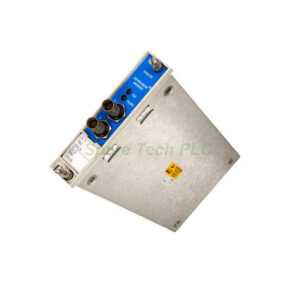
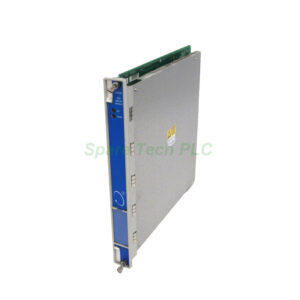
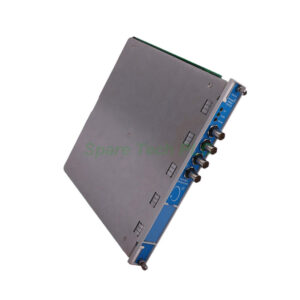
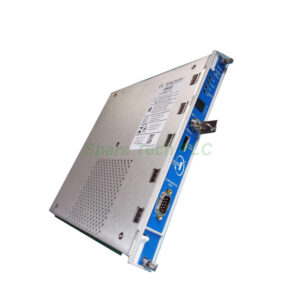
Bently Nevada 3500/94M-03-00-01 Installation & Technical Guide
Product Introduction
The Bently Nevada 3500/94M-03-00-01 belongs to the 3500 series monitoring system. This product type is a VGA display module. It serves as a human-machine interface for machinery protection. Specifically, this model includes a 10-inch display with panel mount hardware. Additionally, it provides a front port for 24 Vdc power and touch commands. The module also features an RS232 port for touch controller data. You can rely on this unit for real-time monitoring of vibration and process data.
Core Value
This module improves operator visibility into machine health. Firstly, it reduces troubleshooting time with clear visual data. Moreover, its hazardous area certification (Class I, Division 2) allows safe installation in challenging environments. Furthermore, the 3500/94M-03-00-01 consumes only 4.6 watts maximum. Therefore, it lowers power infrastructure demands. Besides this, the OK LED confirms proper module operation instantly. Consequently, you gain higher system uptime and faster fault detection.
Technical Insights
The Bently Nevada 3500/94M-03-00-01 requires specific firmware versions. You need 3500/94M firmware 4.06 Rev. C. Also, the 3500/22 TDI module must run Rev 1.71 or newer. The module uses a high-speed network for monitor status and data values. Meanwhile, the TX/RX LED shows active communication with other system modules.
For environmental limits, this module operates from -20°C to 65°C. It also tolerates 95% non-condensing humidity. Storage temperature ranges from -40°C to 85°C. The device complies with FCC Part 15 rules. Additionally, it meets EN 61000-6-2 and EN 61000-6-4 EMC standards. Electrical safety follows CSA C22.2 61010-1 and UL EN 61010-1.
Installation & Maintenance
Install the monitor module in one full-height front slot. Next, place the I/O module in one full-height rear slot. Use the included installation hardware for panel mounting. Firstly, ensure the 3500/22 TDI module is present in the rack. Then, connect the VGA port to your display. After that, supply 24 Vdc power through the front port.
For maintenance, regularly check the OK LED. If the LED is off, verify power and module seating. Also, inspect the TX/RX LED for communication activity. Keep the ambient temperature within -20°C to 65°C. Clean the display with a soft, dry cloth only. Do not use solvents. Finally, update firmware only when the system is offline.
Buyer’s Guide FAQ
1. Is the Bently Nevada 3500/94M-03-00-01 compatible with all 3500 racks?
Yes, it fits any standard 3500 rack. However, you must have the 3500/22 TDI module installed.
2. What display size does this model include?
The 3500/94M-03-00-01 includes a 10-inch display. The "03" in the ordering code specifies this size and panel mount.
3. Can I use this module without a KVM extender?
Yes, the "00" option means no KVM extender is included. You can still connect a VGA display directly.
4. What is the maximum power consumption?
The module consumes 4.6 watts maximum. This low value reduces cooling needs inside the rack.
5. Does this module work in cold outdoor environments?
Yes, it operates down to -20°C. For temperatures below 0°C, ensure the display itself is rated accordingly.