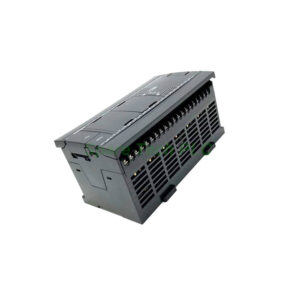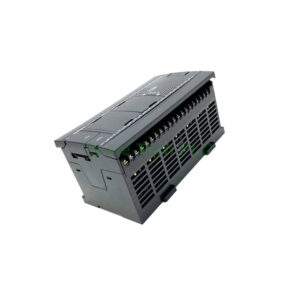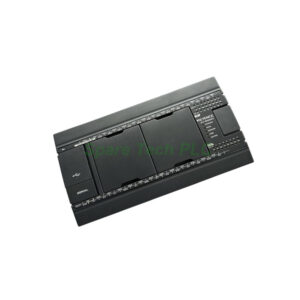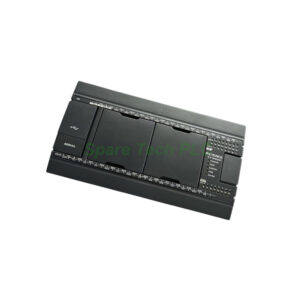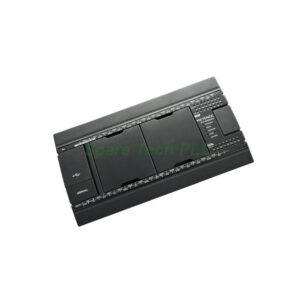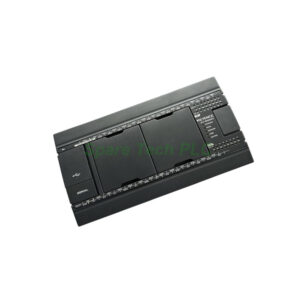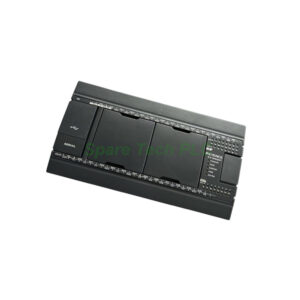

ABB CI520V1 Communication Interface Unit Installation & Maintenance Guide
Product Introduction
The ABB CI520V1 works as a standard communication interface. This module connects an AC 800M controller to a PROFIBUS DP network. Specifically, it uses the DP-V1 protocol for cyclic and acyclic data exchange. Many industries use the ABB CI520V1 for process automation. Moreover, this coupler supports up to 12 Mbaud transmission speed. You can place it directly into a CI534V2 or similar rack. The front LED indicator shows real-time bus and module status. Additionally, the unit requires a 24V DC power supply. Its compact design saves space inside a control cabinet.
Core Value
Firstly, the ABB CI520V1 improves system reliability. It reduces controller CPU load by handling network traffic separately. Therefore, your main processor focuses on control logic. Secondly, this module enables easy integration with third-party PROFIBUS devices. For example, you can connect drives, sensors, and actuators without extra converters. Furthermore, the ABB CI520V1 supports hot swap. This feature cuts downtime during replacement. Besides, its diagnostic buffer helps you find faults fast. Altogether, the ABB CI520V1 lowers engineering effort and operating costs.

Technical Insights
The ABB CI520V1 uses a PROFIBUS DP-V1 chipset. It supports baud rates from 9.6 kbaud to 12 Mbaud. Specifically, the module auto-detects the bus baud rate. You do not need jumpers or switches. The unit has 1 MB of flash memory. This stores configuration data safely. Meanwhile, the ABB CI520V1 uses a D-sub 9-pin female connector for the bus line. You must follow standard PROFIBUS pinouts. The module also handles up to 32 slaves per segment. In addition, the internal galvanic isolation protects the backplane from bus interference. Therefore, you get stable operation in noisy plants. The firmware updates via Control Builder M.
Installation & Maintenance
Firstly, power off the controller before inserting the ABB CI520V1. Align the module with the guide rails. Push firmly until the latch clicks. Then, connect the PROFIBUS cable to the D-sub port. Use a terminated bus connector. For wiring, keep the cable shield connected at both ends. Ground the shield properly. After power-up, check the "BF" LED. A solid OFF means bus is normal. A blinking BF indicates no communication. Maintain the ABB CI520V1 by cleaning dust from the vent holes every six months. Moreover, keep the ambient temperature below 60°C. Do not touch the electronics inside. Replace the unit if you see burnt smell or damaged pins.

Buyer’s Guide FAQ
1. What is the exact function of ABB CI520V1?
The ABB CI520V1 is a PROFIBUS DP-V1 coupler. It connects an ABB AC 800M controller to a PROFIBUS fieldbus network.
2. Which controllers work with the ABB CI520V1?
This ABB CI520V1 works with AC 800M, PM851, PM856, PM860, and PM861 controllers. Use it with CI534V2 or CI532V2 racks.
3. What is the maximum cable length for ABB CI520V1?
At 12 Mbaud, the maximum segment length is 100 meters. At 1.5 Mbaud, it is 200 meters. At 93.75 kbaud, it is 1200 meters.
4. Does the ABB CI520V1 support redundant communication?
No. The ABB CI520V1 does not support redundancy. For redundant PROFIBUS, choose CI532V2 or CI534V2 instead.
5. How to reset a faulty ABB CI520V1 module?
Power cycle the entire controller. If the "SF" LED stays red, reload the configuration via Control Builder M. Replace the unit if the fault remains.