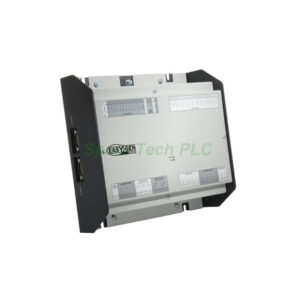
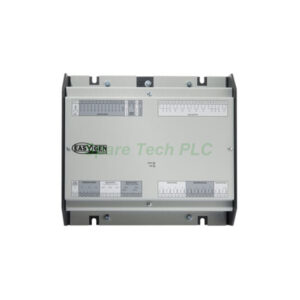
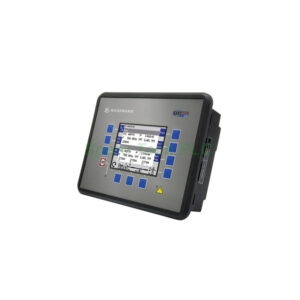
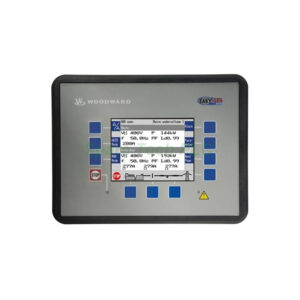
Woodward 5501-471 NetCon SIO Module for Turbine Control
Product Introduction
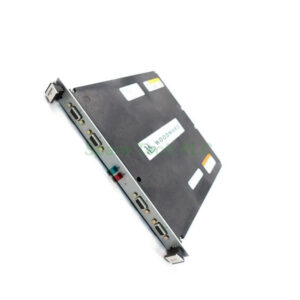
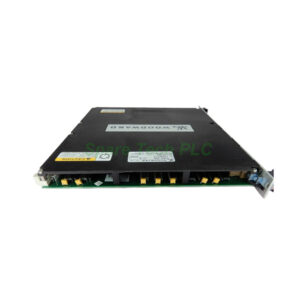
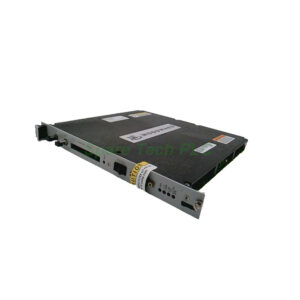
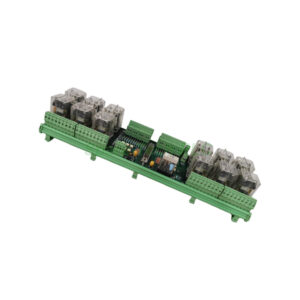
The 5501-471 from Woodward is a dedicated Serial Input/Output module. It belongs to the 9900 Series for turbine control systems. This module connects the main controller to field devices like sensors and actuators. For instance, it handles real-time temperature and pressure data. Additionally, it supports multiple serial standards for flexible integration.
Technical Specifications
Port Configuration and Protocols
The Woodward 5501-471 offers four serial ports in total. Ports 1 and 2 support RS-232 only. Ports 3 and 4 support RS-232, RS-422, and RS-485. This flexibility allows connection to legacy and modern equipment. Moreover, the module runs Modbus RTU and Modbus ASCII protocols. Therefore, it works with most industrial sensors and actuators.
Electrical and Display Features
Input voltage is rated at 24VDC, which is standard for control cabinets. A 24-character LED display shows status and diagnostic information. Additionally, an emergency stop button is built into the enclosure. This button provides a manual safety override for critical situations.
Enclosure and Dimensions
The enclosure type is NEMA 4X. It resists water, corrosion, and dust ingress. The size measures 14 inches long, 11 inches wide, and 4 inches high. Consequently, it fits into most turbine control panels.
Mechanical and Environmental Parameters
The 5501-471 operates reliably in industrial environments. Its NEMA 4X rating means it handles washdowns and outdoor exposure. Operating temperature ranges from -20°C to +70°C. Furthermore, it tolerates humidity up to 95% non-condensing. Vibration resistance meets typical turbine floor standards. This module weighs 3.2 kg gross, making it easy to handle during installation.
Installation Guidelines
First, mount the 5501-471 inside a NEMA 4X rated panel or directly in the field. Use M5 screws for secure attachment. Next, connect 24VDC power to the designated terminals. Ensure the polarity is correct to avoid damage. Then, wire your serial devices to ports 1 through 4.
For RS-232 connections, use shielded cables up to 15 meters. For RS-485, you can extend up to 1,200 meters. After wiring, configure the communication parameters via the control software. Finally, test each port with a loopback or connected device. The LED display will confirm normal operation.
Packaging List
Woodward 5501-471 NetCon SIO Module (1 unit)
Terminal block connectors (4 sets, pre-installed)
Mounting screws and brackets kit
Quick start guide (printed)
Anti-static bag for protection
Note: No certificates or warranty documents are included in the package.
Shipping Information
We ship all orders via FedEx, UPS, or DHL. Delivery typically takes 3–7 business days worldwide. Tracking numbers are provided within 24 hours after dispatch.
Frequently Asked Questions (FAQ)
1. Can the 5501-471 replace an older Woodward SIO module?
Yes, the 5501-471 is backward compatible with most 9900 Series systems. Check your existing wiring and protocol settings first.
2. Does this module support both Modbus RTU and ASCII simultaneously?
No, each port must run either Modbus RTU or ASCII at one time. However, different ports can use different protocols.
3. What happens if the emergency stop button is pressed?
The Woodward 5501-471 immediately cuts serial communication outputs. The control system receives an alarm signal for safety action.
4. Is the 24-character LED display readable in low light?
Yes, the LED display has high brightness and contrast. It remains clearly visible even in dark control rooms.
5. How do I verify correct RS-485 termination on ports 3 and 4?
Enable the built-in termination resistor via the configuration software. Alternatively, add external 120-ohm resistors if needed.