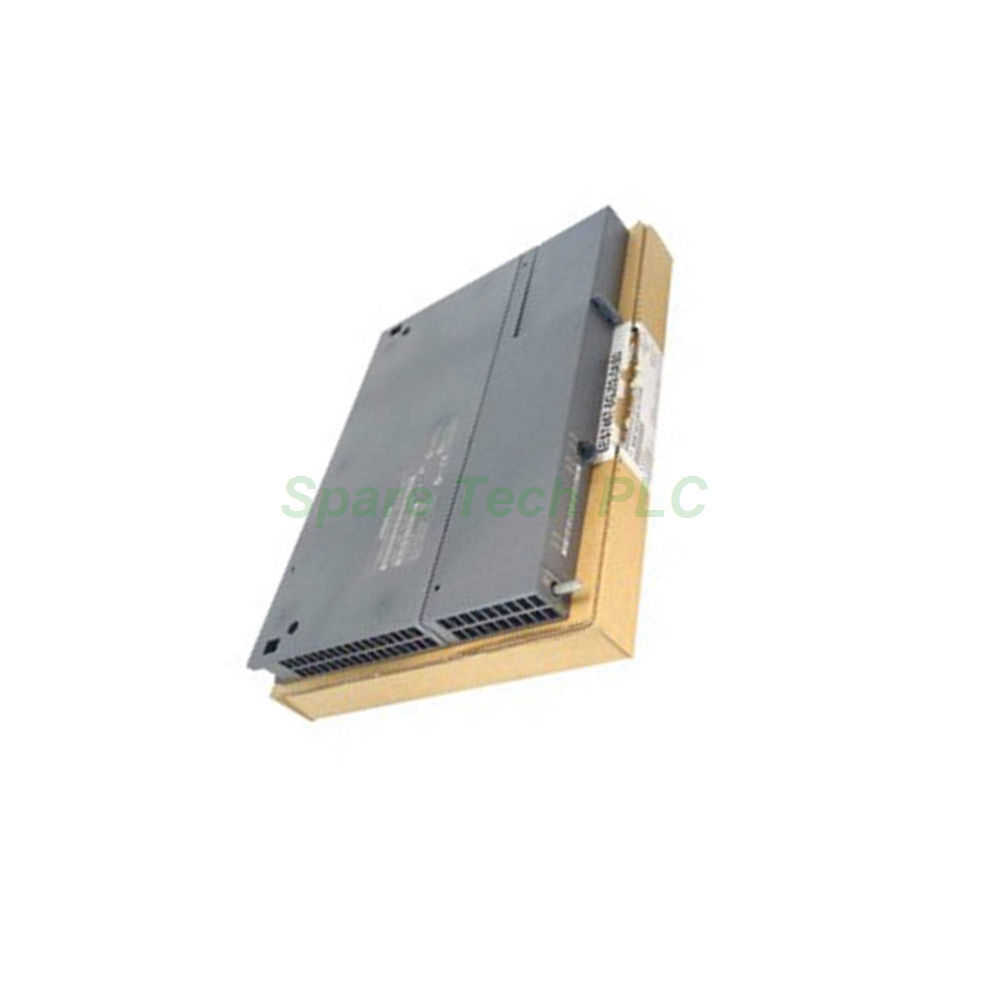
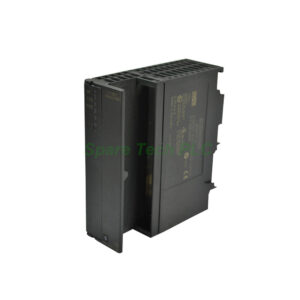
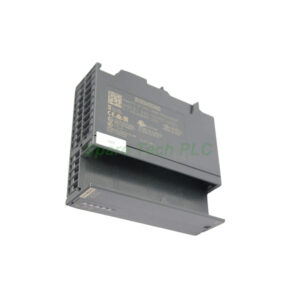
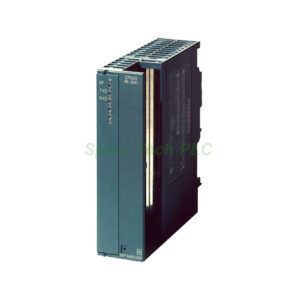
6ES7467-5GJ02-0AB0 S7-400 Profibus Interface Module
Product Introduction
The 6ES7467-5GJ02-0AB0 belongs to the SIMATIC S7-400 series. Siemens engineered this module as a Profibus DP master interface. It connects distributed field devices to a central S7-400 CPU. Typical applications include drive control, remote I/O, and process instrumentation.
This module follows the Profibus DP standard strictly. Therefore, it works seamlessly with thousands of Profibus-compatible devices from many brands. You can integrate up to 96 slaves on a single network. Moreover, the Siemens IM467 supports advanced features like equidistance and slave-to-slave data exchange.
Power Requirements
The 6ES7467-5GJ02-0AB0 needs two separate voltage supplies. First, it draws power from the S7-400 backplane bus at 5 V DC (±5 %). The maximum input current on this rail is 1300 mA.
Second, this module also requires an external 24 V DC (±5 %) supply. This external voltage powers the Profibus RS485 driver circuits. Do not skip the 24 V connection; otherwise, the Profibus port will not function.
Profibus DP Master Capabilities
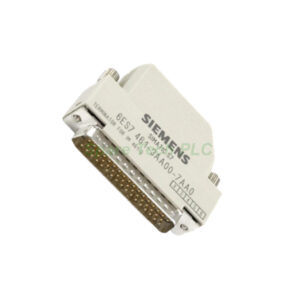
The Siemens IM467 uses a standard 9-pin sub D socket for its Profibus interface. The physical layer is RS485, which is the most common wiring method for Profibus DP.
Key performance figures include:
Maximum transmission rate: 12 Mbit/s
Maximum number of DP slaves: 96
Maximum connections per CPU: 32 (depends on CPU type)
Equidistance mode: Yes – ideal for motion control applications
Direct data exchange (slave-to-slave communication): Yes – allows slaves to talk without going through the master
Additionally, you can install up to 10 IM467 modules per CPU. This number depends on the specific CPU type and its slot capacity. For large systems, multiple masters can manage different network segments.
Environmental Specifications
The 6ES7467-5GJ02-0AB0 operates reliably in industrial conditions. Its ambient temperature range during operation is 0 °C to 60 °C. During storage or transport, it withstands temperatures from -40 °C to 70 °C.
Furthermore, the module handles high humidity levels. It tolerates up to 95 % relative humidity at 26 °C without condensation. The maximum installation altitude above sea level is 3000 m, as tested according to IEC 60068-2-13.
Mechanical Dimensions
The Siemens IM467 has a slim, space-saving design. Its width is only 25 mm. The height measures 290 mm, and the depth is 210 mm.
This module weighs approximately 700 g. The gross weight including packaging is 0.85 kg. It fits into any standard S7-400 rack slot.
Installation Guidelines
First, turn off all power to the S7-400 rack. Next, insert the 6ES7467-5GJ02-0AB0 into a free slot. Push it until the locking mechanism engages.
After that, connect the 24 V DC supply to the module's top connector. Then attach the Profibus cable to the 9-pin sub D socket. Use a standard Profibus connector with termination resistors.
Finally, power up the system and configure the master in your STEP 7 project. Set the bus parameters, assign slave addresses, and download the configuration to the CPU.
For best signal quality, use shielded twisted-pair Profibus cable. Terminate both ends of the main bus line. Keep stubs as short as possible, ideally under 0.3 meters.
Packaging List
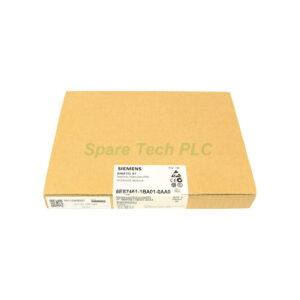
1 x Siemens 6ES7467-5GJ02-0AB0 IM467 Profibus DP Master Interface
1 x slot cover (pre-installed)
1 x quick reference guide
Note: Profibus connectors, cables, and external 24 V power supply are sold separately.
Shipping
All orders are shipped via FedEx, UPS, or DHL. Tracking numbers are provided within 24 hours.
Frequently Asked Questions (FAQ)
1. Can the 6ES7467-5GJ02-0AB0 work without the 24 V DC supply?
No. The Siemens IM467 requires 24 V DC for its RS485 drivers. The backplane 5 V supply alone is insufficient for Profibus communication.
2. What is the difference between this module and an onboard Profibus port?
The 6ES7467-5GJ02-0AB0 is an additional master. It can run independently from the CPU's built-in port. This allows you to segment your Profibus network.
3. Can I use this module with a Profibus PA segment?
Yes, but you need a segment coupler. The Siemens IM467 speaks Profibus DP. A coupler converts DP to the PA physical layer (MBP).
4. How do I know if equidistance is working correctly?
Check the equidistance status bit in your CPU's diagnostic buffer. Additionally, use a Profibus analyzer to verify constant bus cycle timing.
5. What is the maximum cable length at 12 Mbit/s?
At 12 Mbit/s, the maximum segment length is 100 meters. For longer distances, use repeaters or reduce the baud rate. At 1.5 Mbit/s, you can reach 200 meters.