Keyence IV4-DU10 Display Expansion Unit
Product Introduction
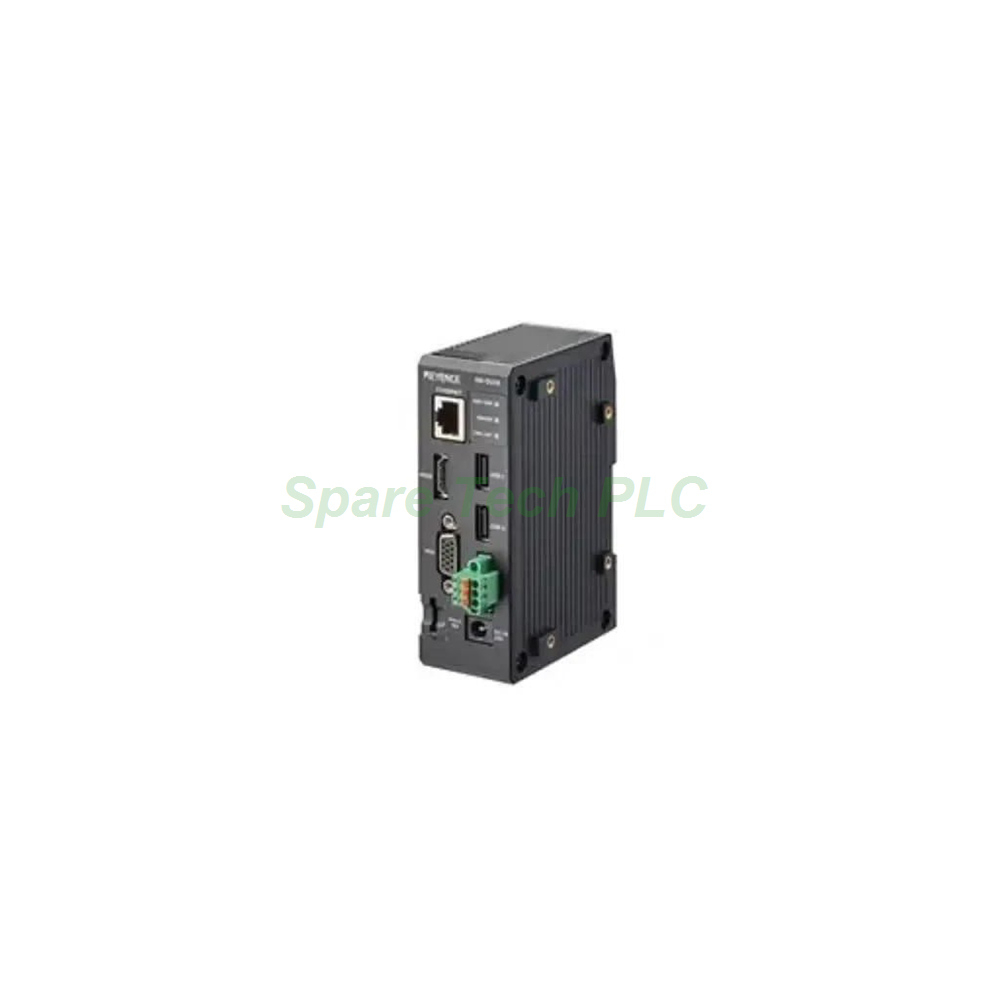
The Keyence IV4-DU10 is a display expansion unit that extends the visual output capabilities of IV4, IV3, IV2, and IV series vision sensors. Specifically, it adds HDMI and VGA outputs so operators can view inspection results on larger monitors. Furthermore, dual USB Type-A ports support peripherals such as keyboards, mice, or storage devices. The unit also includes an RJ45 Ethernet port and a built-in VNC server for remote monitoring.
Technical Specifications
The IV4-DU10 provides one HDMI port with selectable output at 1280 x 720 or 1920 x 1080 resolution. Besides that, one VGA analog RGB port supports resolutions from 1024 x 768 up to 1366 x 768. These options allow integration with both modern flat panels and legacy displays.
For networking, the unit features an RJ45 Ethernet connector supporting 1000BASE-T/100BASE-TX. Two USB Type-A ports handle external input devices and data transfer. Through the VNC server protocol, users can access the sensor interface remotely over a LAN connection.
Electrical Parameters
The IV4-DU10 accepts 24 VDC +25%/-20% power or an optional OP-88766 AC adapter. Power consumption reaches 1.2 A or less at 19.2 V when USB current is at maximum. Meanwhile, average power consumption stays at just 5.4 W, keeping heat generation low inside control cabinets.
Mechanical and Environmental Parameters
This expansion unit uses durable materials throughout its construction. The main housing is PC, while the Ethernet connector combines SUS and PA. Additionally, the HDMI connector uses S50C with tin plating, and the VGA connector uses iron with nickel plating and PBT.
The USB connector relies on copper alloy with tin plating, and the Micro SD slot uses copper alloy with nickel plating. For mounting, the rear DIN rail locking claw is POM, and the stabilization bracket is aluminum. Fastening nuts are brass for secure connections.
Environmentally, the IV4-DU10 operates from 0 to +50°C without freezing. Humidity tolerance is 85% RH or less without condensation. Vibration resistance covers 10 to 500 Hz, 0.816 G²/Hz, across X, Y, and Z directions.
Installation Guide
First, mount the IV4-DU10 onto a standard DIN rail using the rear locking claw. Next, connect the Ethernet cable between the unit and the vision sensor network. After that, attach the HDMI or VGA cable to the target monitor. Then, wire the 24 VDC power to the terminal block or plug in the OP-88766 AC adapter.
Once powered, the unit automatically bridges the sensor output to the connected display. Users can then attach a keyboard or mouse to the USB ports for local control. Meanwhile, the VNC server enables remote access from a PC on the same network. Finally, verify that the DIN rail stabilization bracket sits firmly to prevent vibration loosening.
Packaging List
1x Keyence IV4-DU10 Display Expansion Unit
DIN rail mounting bracket
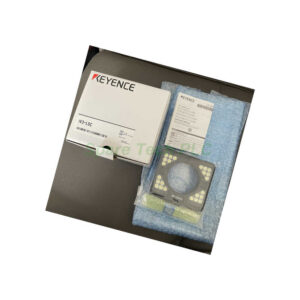
Original Keyence packaging
FAQ
Which vision sensors work with the IV4-DU10?
The IV4-DU10 supports IV4, IV3, IV2, and IV series vision sensors, providing flexible display expansion across these platforms.
What video outputs does the IV4-DU10 offer?
It provides one HDMI port at 1280 x 720 or 1920 x 1080, plus one VGA analog RGB port from 1024 x 768 up to 1366 x 768.
Can the IV4-DU10 be accessed remotely?
Yes. The unit includes an RJ45 Ethernet port and a VNC server, allowing remote monitoring and control over a network.
What power options does the IV4-DU10 support?
It runs on 24 VDC +25%/-20% or an optional OP-88766 AC adapter, with average power consumption of 5.4 W.
How many USB ports does the IV4-DU10 provide?
The unit includes two USB Type-A ports for keyboards, mice, or other compatible peripherals.