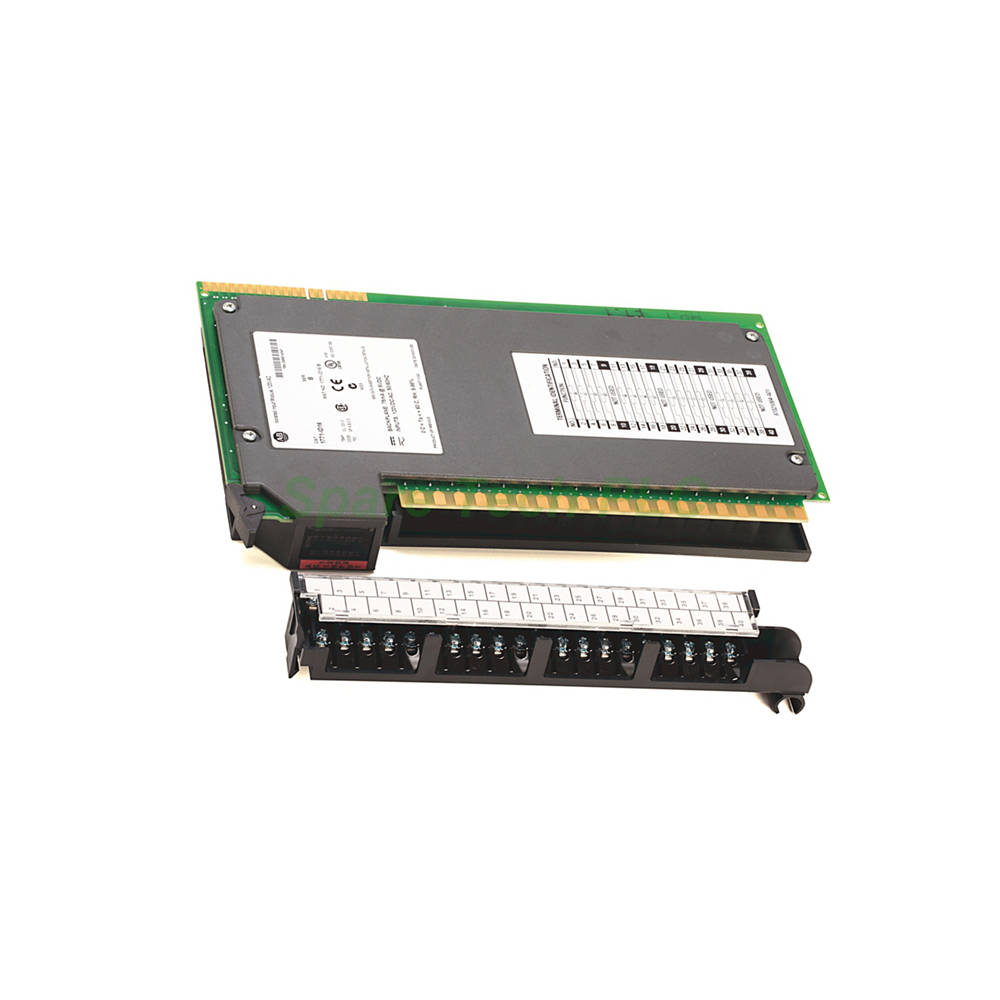
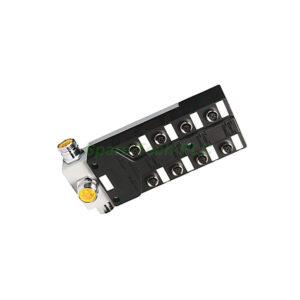
1771-ID16 Digital AC/DC Input Module
Product Introduction
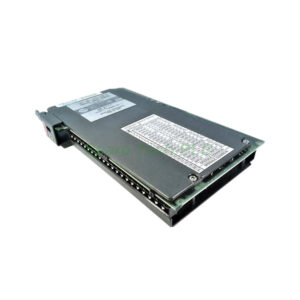
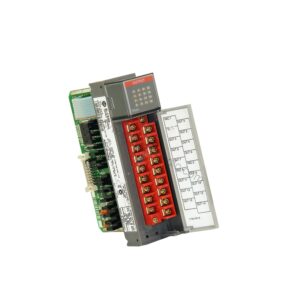
The 1771‑ID16 from Allen‑Bradley is a versatile digital input module that belongs to the renowned PLC‑5 product family. This module gives you 16 input points that work with either AC or DC voltage, so you can standardize on one module type across mixed-signal machines. It handles 120V nominal systems, with an AC range of 77‑138V and a DC range of 105‑138V.
Additionally, the 1771‑ID16 includes built‑in input filtering to suppress electrical noise and contact bounce. This feature reduces false triggers and protects your control logic from transient disturbances. Many users choose this Allen‑Bradley 1771‑ID16 for its reliability in electrically harsh environments, such as motor control centers or welding lines. Its isolated design also supports multi‑phase circuits and works seamlessly with limit switches, pushbuttons, float switches, and selector switches.
Technical Specifications
The 1771‑ID16 draws only 75 mA from the backplane, which keeps your power budget low for other modules. Its off‑state leakage currents are also minimal—4.0 mA for AC and 1.8 mA for DC—so you can connect sensitive field devices without worry. Moreover, the on‑delay is just 1 ms for both AC and DC, giving you near‑instantaneous response for time‑critical inputs. For the off‑delay, AC inputs offer a choice of 9 ms or 18 ms filtering, while DC inputs default to 9 ms.
Mechanical & Environmental Parameters
Operating Temperature: 0 to 60 °C (32 to 140 °F)
Storage Temperature: –40 to 85 °C (–40 to 185 °F)
Relative Humidity: 5‑95% (non‑condensing)
Shock: 30 g (operating) per IEC 60068‑2‑27
Vibration: 2 g at 10‑500 Hz per IEC 60068‑2‑6
Isolation: 1500V AC (field‑to‑backplane)
Enclosure Type: Open (IP20) – suitable for cabinet installation
These rugged parameters ensure that the 1771‑ID16 performs consistently in factory floors with temperature swings and mechanical vibrations. Its optical isolation also protects the backplane from high‑voltage transients, which extends the life of your PLC‑5 processor.
Installation Guide
Installing the Allen‑Bradley 1771‑ID16 is straightforward if you follow these steps:
Power down the 1771‑A1B or 1771‑A4B chassis before inserting or removing any module.
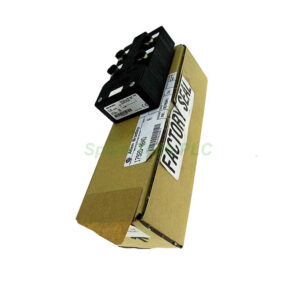
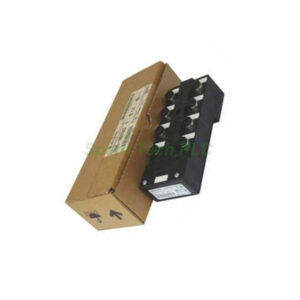
Attach the 1771‑WN wiring arm to the pivot bar on the I/O chassis. This arm stays with the chassis, so you can swap modules without rewiring.
Connect your field devices to the 40‑terminal field wiring arm. Use shielded cables for long runs to minimize noise pickup.
Insert the 1771‑ID16 into an available slot. Push firmly until the locking bar snaps into place.
Re‑apply power and verify the module status LED. If the LED stays green, your installation is successful.
For multi‑phase applications, remember that the 1771‑ID16 has capacitive impedance. This causes a brief inrush current when you first apply power, so choose fuses or circuit breakers with appropriate time‑delay characteristics. Furthermore, always route AC and DC wiring separately from high‑power cabling to avoid inductive coupling. The 1771‑WN wiring arm simplifies maintenance because you can remove the module without disconnecting any field wires—just unplug the module and leave the arm attached to the pivot bar.
Common Applications
You will find the 1771‑ID16 widely used in these scenarios:
Motor control centers – monitoring start/stop pushbuttons and auxiliary contacts
Packaging lines – reading photoelectric sensors and proximity switches
Material handling – interfacing with selector switches and float switches for level control
HVAC systems – detecting pressure switch status and filter clog signals
Power distribution – sensing circuit breaker trip status and ground fault indicators
Because this Allen‑Bradley 1771‑ID16 works with both AC and DC, you can reduce spare parts inventory by using one module type for multiple voltage domains. Its 16 isolated inputs also allow you to mix different phases or voltage sources on the same module without grounding issues.
Why Choose This Module?
First, the 1771‑ID16 offers exceptional noise immunity through its selectable input filter. Second, it provides fast 1 ms turn‑on response, which suits high‑speed counting or positioning feedback. Third, the isolated design protects your PLC‑5 backplane from field wiring faults. In addition, the included 1771‑WN wiring arm reduces installation time and simplifies troubleshooting. Finally, Allen‑Bradley's legacy reputation for durability means this module often outlasts the machinery it controls.
Compared to newer I/O platforms, the 1771‑ID16 remains a cost‑effective choice for expanding or repairing existing PLC‑5 systems. Many plants still run PLC‑5 processors because of their proven reliability, and this input module integrates perfectly with those architectures.
Packaging List
1 x Allen‑Bradley 1771‑ID16 Digital AC/DC Input Module
1 x 1771‑WN 40‑Terminal Field Wiring Arm (pre‑attached to chassis pivot bar)
1 x Installation Instructions (printed quick‑start guide)
1 x Module Label for slot identification
Note: Cables, fuses, and mounting hardware are not included. You will need to supply these separately based on your specific panel layout.
Shipping Information
We ship all orders via FedEx, UPS, or DHL with tracking numbers provided within 24 hours of dispatch. Each module is individually packed in anti‑static shielding and foam‑lined cartons to prevent transit damage. Expedited shipping options are available upon request.
Frequently Asked Questions
Q1: Can I use the 1771-ID16 with a 24V DC sensor?
No. The 1771‑ID16 requires 105‑138V DC for DC operation. For 24V DC inputs, consider the 1771‑ID series (e.g., 1771‑ID or 1771‑ID2) which are designed for lower DC voltages.
Q2: What happens if I mix AC and DC inputs on the same 1771-ID16 module?
You can mix AC and DC signals on different input points, as each channel is isolated. However, ensure that each input's applied voltage stays within its respective operating range (77‑138V AC or 105‑138V DC).
Q3: How do I change the AC off‑delay from 9 ms to 18 ms?
You must select the filter setting via the module's configuration jumper or through your PLC‑5 program (depending on the revision). Consult the installation manual for the specific jumper location on the 1771‑ID16 board.
Q4: Is this module compatible with the 1771-A4B chassis?
Yes. The 1771‑ID16 works with 1771‑A1B, 1771‑A4B, and all later 1771‑series I/O chassis. Just insert it into any available slot and attach the 1771‑WN wiring arm.
Q5: Does the 1771-ID16 support hot swapping?
No. You must power down the chassis before inserting or removing the 1771‑ID16 to prevent damage to the backplane or the module itself. Always follow standard lock‑out/tag‑out procedures.