Allen-Bradley 1771-IBD Digital DC Input Module
Product Introduction
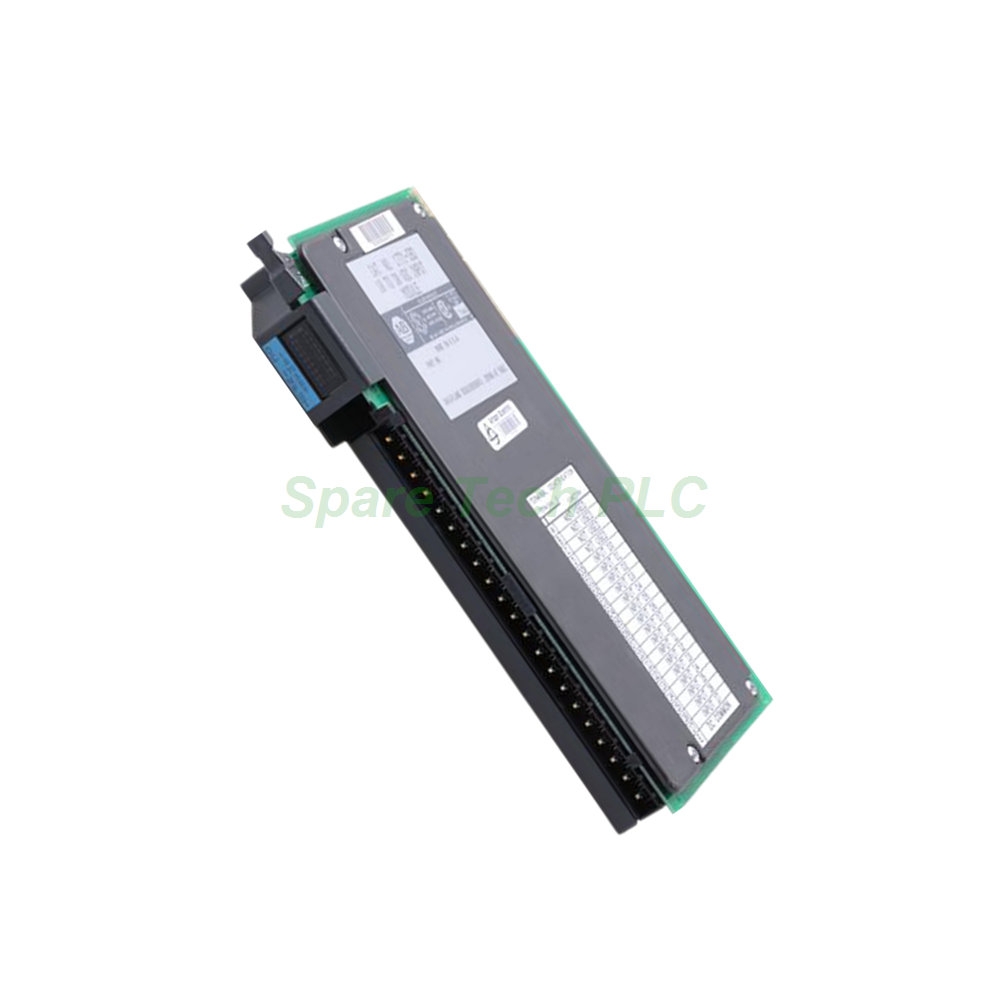
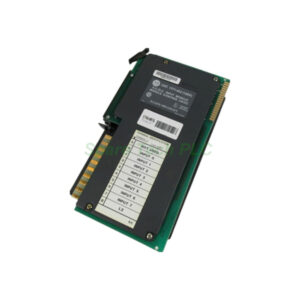
The Allen-Bradley 1771-IBD belongs to the trusted 1771 product family from Allen-Bradley. This discrete input module provides sixteen (16) sinking input channels that operate within a 10 to 30VDC range. It reliably interfaces with field devices like pushbuttons, selector switches, and proximity sensors. Specifically, it converts their ON/OFF states into logic signals for your PLC system.
Additionally, the 1771-IBD module features a well-defined voltage threshold. Its minimum on-state voltage is 10VDC, while its maximum off-state voltage is 5VDC. This clear distinction ensures dependable signal detection even in electrically noisy industrial settings. Moreover, the module includes optoelectrical isolation to protect the control system from voltage spikes and transients.
Technical Specifications
The 1771-IBD digital input module offers a fast input delay of only 1 ms for an OFF to ON transition. For the ON to OFF transition, you can select either 1 ms or 6 ms. This flexibility allows you to debounce noisy switch contacts effectively. Furthermore, it draws a backplane current of 130 mA at 5V DC, which is typical for this class of I/O module.
Its maximum power dissipation is rated at 7.3 Watts, with a minimum of 1.0 Watt. Consequently, the thermal dissipation ranges from a maximum of 24.7 BTU/hr down to 3.4 BTU/hr. Meanwhile, the maximum off-state current is specified at 2.0 mA. This low leakage current prevents false triggering from sensor leakage currents.
For correct installation, the Allen-Bradley 1771-IBD uses keying bands. These are positioned between pins 10 and 12 on the lower connector. Similarly, they are placed between pins 16 and 18 on the upper connector. This keying system prevents the module from being inserted into an incompatible slot. Besides that, the module's dimensions are compact at 3.5 x 6.5 x 2.0 inches (89 x 165 x 51 mm). Therefore, it fits into a single slot in your 1771 I/O chassis.
Installation and Maintenance
Installing the 1771-IBD module is a straightforward process. First, ensure your 1771 chassis is compatible. This module works with all 1771 I/O chassis except for the 1771-A1, -A2, and -A4 models. Next, configure your system addressing. It supports ½-slot, 1-slot, and 2-slot I/O addressing, offering flexible configuration options for your system architecture.
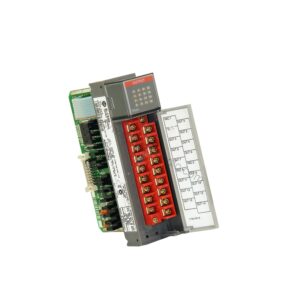
A key feature of this module is its field wiring arm, catalog number 1771-WH. This removable arm significantly simplifies both installation and maintenance. For instance, you can wire the arm on your workbench and then attach it to the module. If the Allen-Bradley 1771-IBD ever needs replacement, you simply detach the wiring arm from the old module. Then, attach it to the new one. This process eliminates the need to disconnect and re-terminate each individual wire. As a result, it saves valuable time and reduces the risk of wiring errors.
Front Panel Indicators
The front panel of the 1771-IBD features a comprehensive array of LED status indicators. One green LED provides a visual indication of the module's overall operational status. Additionally, sixteen red LEDs clearly show the ON/OFF state of each connected field device. Each input channel has its own dedicated red LED. Thus, this allows for quick, at-a-glance diagnostics and troubleshooting. Besides the visual indicators, the module also includes built-in input filtering. This feature effectively reduces electrical noise for more stable readings.
Packaging List
1 x Allen-Bradley 1771-IBD Digital DC Input Module
1 x 1771-WH Field Wiring Arm
1 x Installation Instructions Sheet
Shipping: We ship worldwide using FedEx, UPS, or DHL.
Frequently Asked Questions (FAQ)
1. What is the operating voltage range for the 1771-IBD module?
The 1771-IBD module has a DC operating voltage range of 10 to 30 Volts.
2. Which 1771 chassis are not compatible with this module?
This module is compatible with all 1771 I/O chassis except for the 1771-A1, 1771-A2, and 1771-A4 models.
3. Can I replace the 1771-IBD module without rewiring?
Yes, you can. The module includes a removable 1771-WH wiring arm. Simply detach the arm from the old module and attach it to the new one.
4. How many input channels does the 1771-IBD have, and how are they indicated?
It has sixteen (16) input channels, each with a dedicated red LED on the front panel to indicate its status.
5. What is the input delay time for the Allen-Bradley 1771-IBD?
The OFF-to-ON delay is 1 ms, and the ON-to-OFF delay can be selected as either 1 ms or 6 ms.