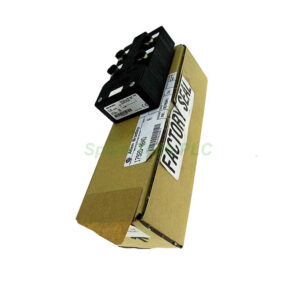
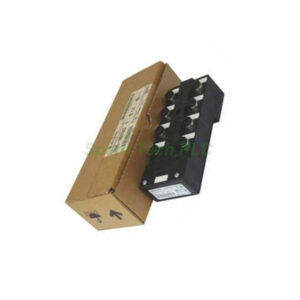
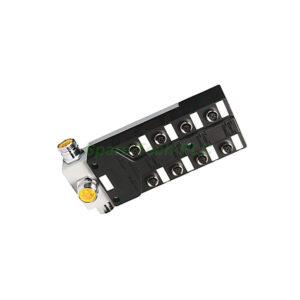
1747-CP3 Allen‑Bradley SLC 500 Programmer Cable
Product Introduction
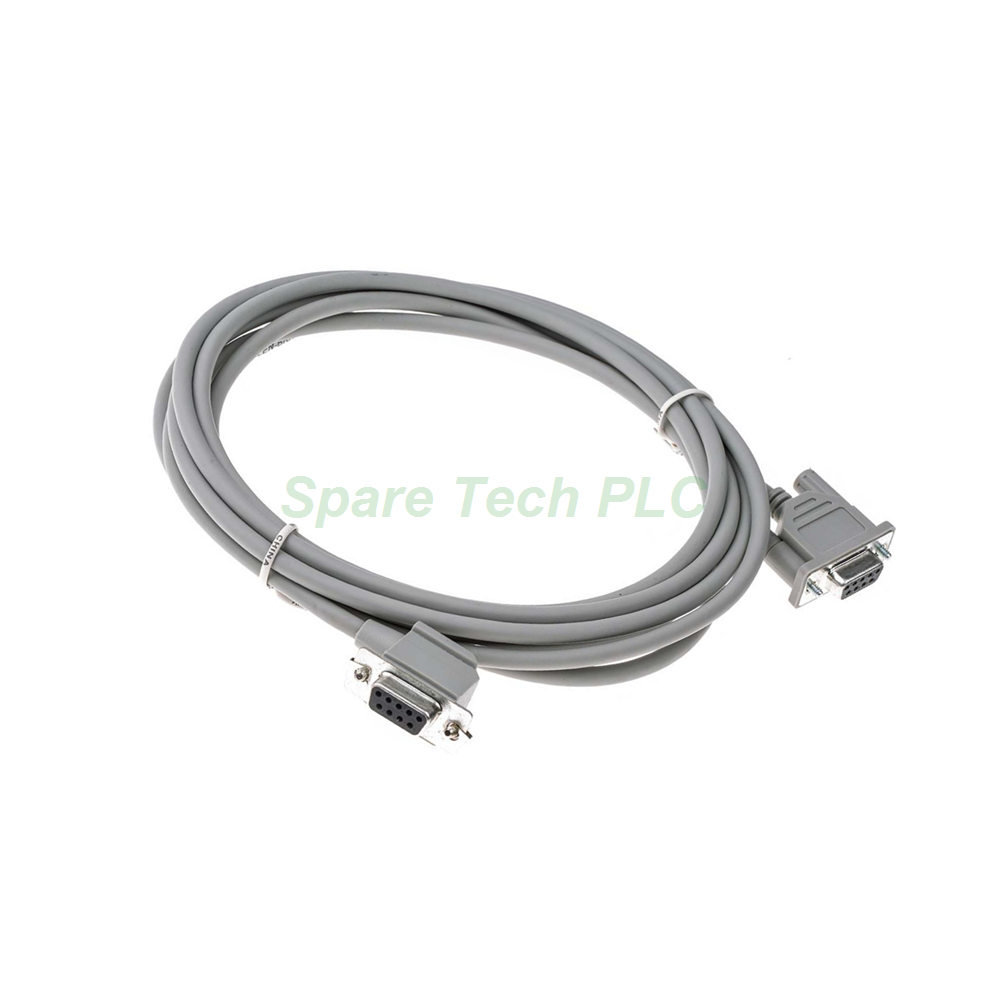
The 1747-CP3 cable from Allen‑Bradley serves as a dedicated programmer cable for the SLC 500 controller family. This 3‑meter (118‑inch) cable establishes a reliable RS‑232 communication link between your SLC processor and a programming computer or terminal. It supports multiple SLC processor models, making it a versatile tool for system setup and maintenance.
Furthermore, the 1747-CP3 functions as a 9‑pin D‑shell to 9‑pin D‑shell null modem cable. This configuration enables direct connections to PanelView component terminals and various programming devices. Its Belden 9463 cable construction ensures durability and signal integrity in industrial settings.
Technical Specifications
The 1747-CP3 cable incorporates several technical features that support reliable programming and communication tasks. Its compatibility covers a broad range of SLC processors.
Key technical attributes include:
Manufacturer: Allen‑Bradley
Series: SLC 500
Cable Type: Programmer Cable
Length: 118 inches (3 meters)
Cable Material: Belden 9463
Connectors: 6‑pin Phoenix connector on one end; 9‑pin D‑shell on the other (null modem configuration)
Compatible Processors: SLC 5/02, SLC 5/03, SLC 5/04, SLC 5/05
Backplane Current (5V): 800 milliamps
Operating Temperature: 0 to 60°C (32 to 140°F)
Weight: 0.37 lbs (168 grams)
Dimensions: 5.72 x 1.37 x 5.15 inches
Additionally, the 1747-CP3 includes internal jumpers on each end. This design simplifies connectivity and reduces the need for external adapters.
Compliance and Safety Standards
The 1747-CP3 cable meets several important industrial compliance standards. These certifications confirm its suitability for demanding automation environments.
Electromagnetic Compatibility (EMC) Compliance:
Council Directive 89/336/EEC
EN 50081‑2 (Generic Emission Standard, Part 2 – Industrial Environment)
EN 50082‑2 (Generic Immunity Standard, Part 2 – Industrial Environment)
Low Voltage Compliance:
For installation guidance, refer to the Wiring and Installation Guide for Industrial Automation (publication 1770‑IN041). Following these safety guidelines protects both the cable and connected equipment.
Installation and Usage Guidelines
Proper installation of the 1747-CP3 cable ensures reliable communication and prevents equipment damage. First, always power down your SLC processor and computer before making connections. This precaution avoids electrostatic discharge (ESD) damage to sensitive components.
Next, connect the 9‑pin D‑shell end to your computer's serial port or USB‑to‑serial adapter. Then, attach the 6‑pin Phoenix connector to the RS‑232 port on your SLC processor. The null modem configuration handles the cross‑wiring internally, so no additional adapter is required.
For PanelView connections, simply connect the 1747-CP3 between the terminal and the controller. The 3‑meter length provides sufficient reach for most workbench and panel installations. Meanwhile, avoid bending the cable sharply or placing heavy objects on it to preserve its internal wiring.
Important Safety Note: To avoid ESD damage to your computer, always connect the 1747-CP3 to a properly designed DH‑485 device or interface before plugging the USB cable into your computer's USB port. If you experience communication issues within the first 24 hours, do not forcefully remove the cable. Instead, power down both devices and reconnect securely.
Packaging and Shipping
Your order for the 1747-CP3 cable includes the following items in the package:
We ship all orders through trusted global carriers to ensure safe and prompt delivery. Specifically, our shipping partners include:
Please note that the package does not include programming software, installation manuals, or mounting accessories. Additionally, certificates of conformity and warranty documents are not included with this listing. For bulk orders or expedited shipping requests, please contact our sales team.
Frequently Asked Questions (FAQ)
Q1: Which SLC processors work with the 1747-CP3 cable?
A1: This cable supports SLC 5/02, SLC 5/03, SLC 5/04, and SLC 5/05 processors. It does not support earlier SLC 100 or 150 models.
Q2: Can I use this cable with a modern laptop that lacks a serial port?
A2: Yes, but you need a USB‑to‑serial adapter. Connect the adapter to your laptop, then attach the 1747-CP3 to the adapter's serial port.
Q3: What is the null modem configuration used for?
A3: The null modem wiring crosses transmit and receive lines internally. This allows direct connection between two DTE devices like a computer and a controller without a modem.
Q4: Is the 1747-CP3 compatible with PanelView terminals?
A4: Yes, this cable connects PanelView component terminals to SLC and MicroLogix controllers for programming and data transfer.
Q5: What should I do if communication fails after installation?
A5: First, check all connections for secure seating. Next, verify your computer's serial port settings match the controller's baud rate. Finally, test with a known‑good cable to isolate the issue. If problems persist within 24 hours, power down both devices and reconnect without forcing.