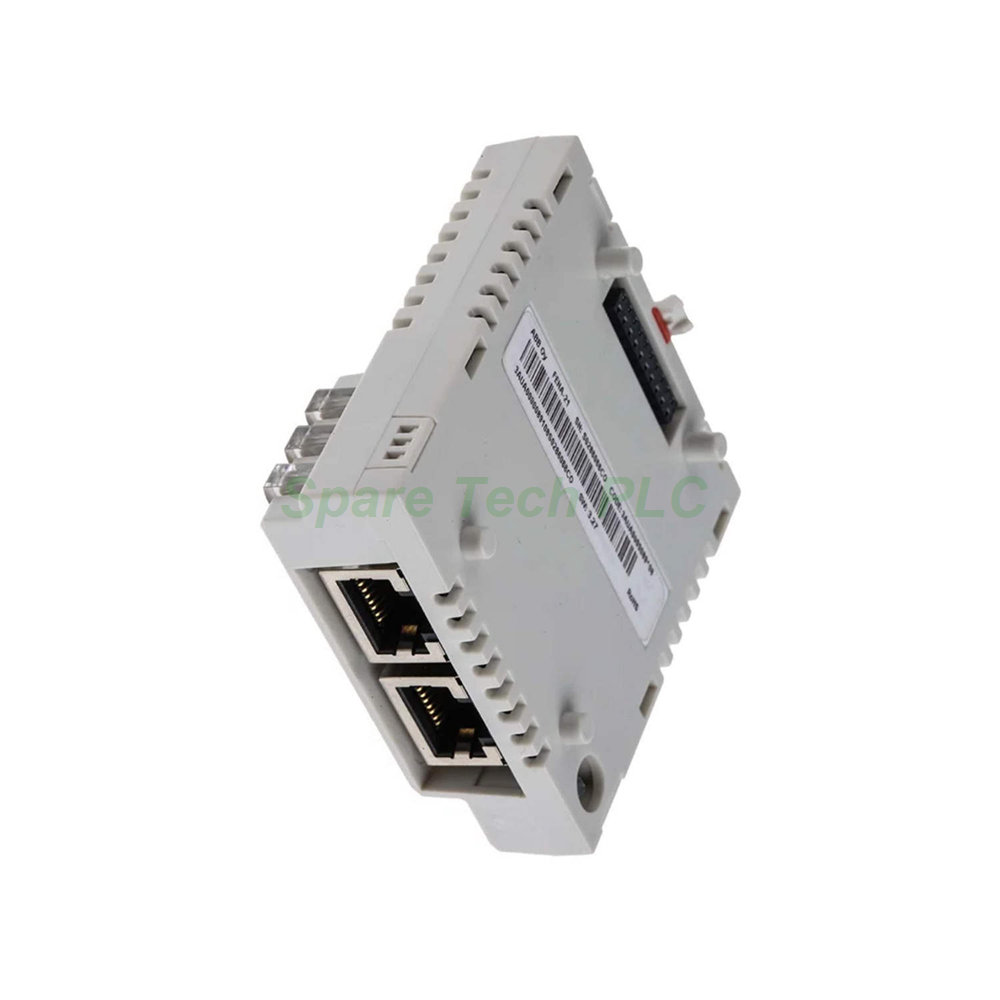
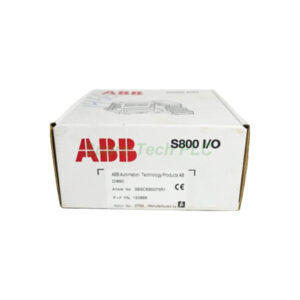
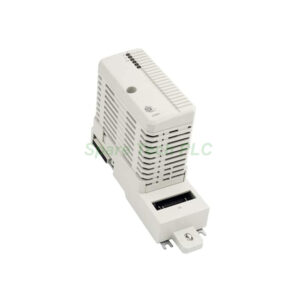
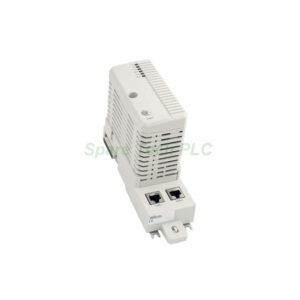
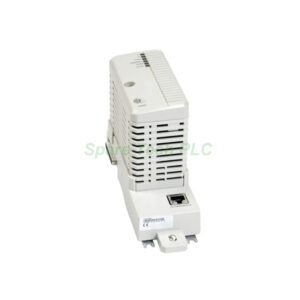
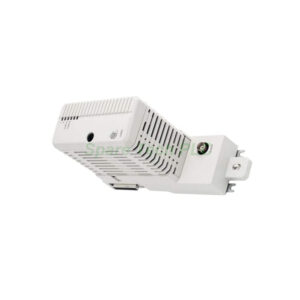
ABB FENA-21 Ethernet Adapter Dual Port
Product Introduction
The ABB FENA-01/-11/-21 series brings flexible Ethernet connectivity to ABB drives. Specifically, the ABB FENA-21 model offers two ports for daisy-chaining or ring topologies. You can use it with multiple converter types and inverter systems. Therefore, this adapter simplifies network integration in factory automation.
Additionally, this module supports three major communication standards. For instance, it works with PROFINET IO, EtherNet/IP, and Modbus TCP. A single parameter inside the drive selects the active protocol. Consequently, you do not need different hardware for different networks. Moreover, the dual-port design increases system reliability and reduces cabling costs.
Technical Specifications
The ABB FENA-01/-11/-21 series provides robust performance data. First, the PROFINET IO mode supports DP-V1 communication. It uses the PROFIdrive profile or the ABB drives profile. Two transparent modes (16-bit and 32-bit words) are also available. Next, the EtherNet/IP mode turns the adapter into a server. It supports the ODVA AC/DC Drive profile, the ABB drives profile, and the Transparent profile. Furthermore, both explicit messages (per-attribute) and implicit messages (I/O instances) are fully supported.
Finally, the Modbus TCP mode also makes the adapter a server. It supports the ABB drives profile and a generic profile. Common function codes for single and multiple registers (read/write) are included. Therefore, ABB FENA-21 works seamlessly with most PLC systems.
Mechanical & Environmental Parameters
This adapter operates reliably in industrial environments. Specifically, the operating temperature ranges from 0°C to +55°C. Storage temperature goes from -40°C to +70°C. Additionally, relative humidity (non-condensing) is 5% to 95%. The housing meets IP20 protection rating. Vibration resistance follows IEC 60068-2-6. Shock resistance complies with IEC 60068-2-27. As a result, the ABB FENA-01 series suits harsh factory floors.
Installation Guide
Installing the ABB FENA-11 or FENA-21 is straightforward. First, power down the ABB drive completely. Next, locate the option slot on the drive control unit. Insert the adapter firmly into the slot. Then, tighten the two screws to secure it. After that, connect Ethernet cables to either port. Finally, power up the drive and set the protocol parameter (parameter group 51 or similar). Remember to use shielded Cat5e or higher cables for best performance.
Package Contents
Note: No certificates or warranty statements are included in the package.
Shipping & Delivery
We ship worldwide using Fedex, UPS, and DHL. Orders are processed within 24 hours. A tracking number will be provided by email.
Frequently Asked Questions (FAQ)
1. Can I use the ABB FENA-21 with any ABB drive?
Yes, it works with most modern ABB drives that have an option slot. For instance, the ACS880, ACS580, and ACS380 series are fully compatible.
2. How do I switch between PROFINET and EtherNet/IP?
You simply change one parameter inside the drive. No firmware update or hardware change is needed for the ABB FENA-01/-11/-21.
3. Does the dual-port version support a ring topology?
Absolutely. The ABB FENA-21 allows daisy-chaining and ring setups thanks to its integrated switch functionality.
4. What is the maximum cable length per port?
Each port supports up to 100 meters of twisted-pair cable (Cat5e or Cat6). Use shielded cables for industrial environments.
5. Is the module hot-swappable?
No, you must power down the drive before inserting or removing the ABB FENA-11 or FENA-21 adapter. Failure to do so may damage the drive or the module.