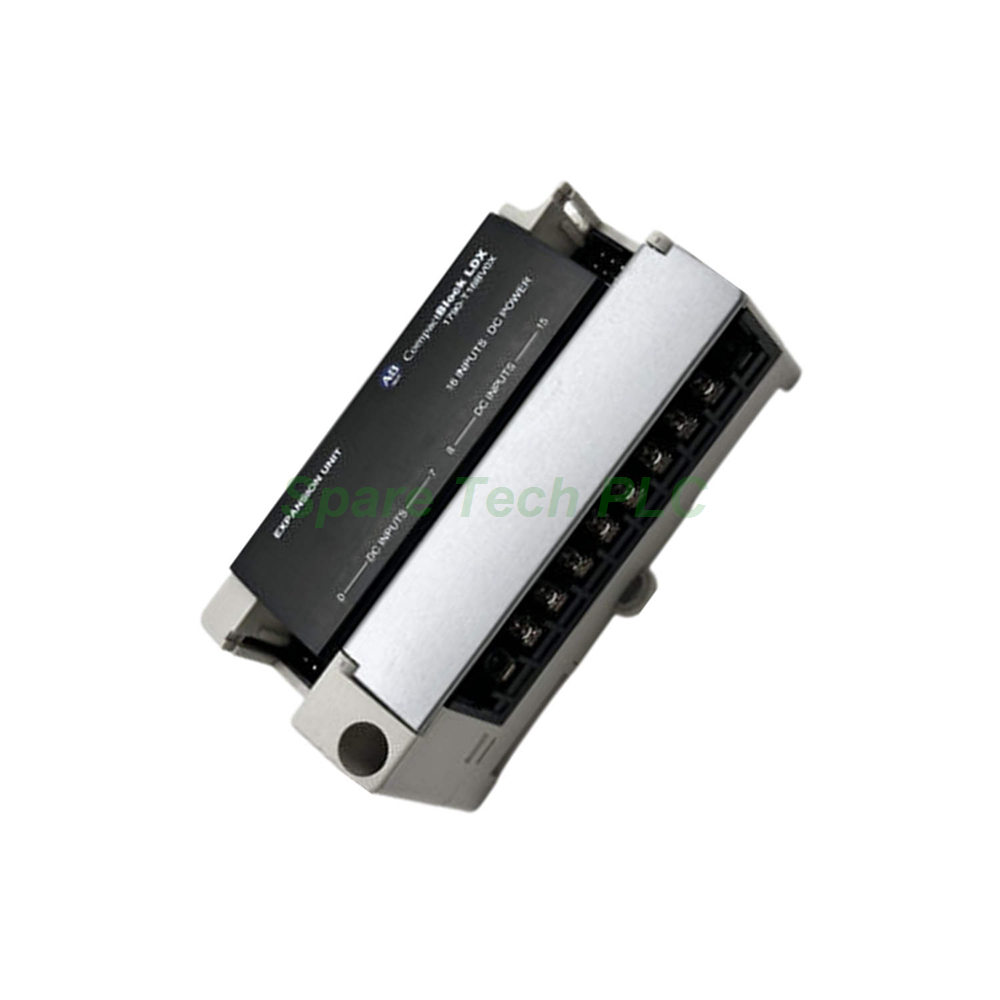
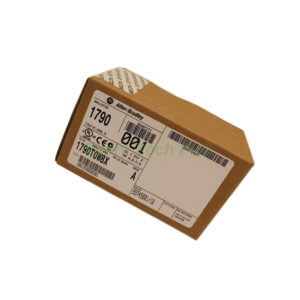
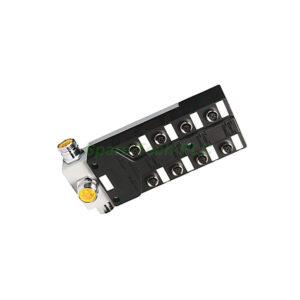
Allen-Bradley 1790-T16BV0X 24V dc 16 Universal Input Base and Expansion Modules
Product Introduction
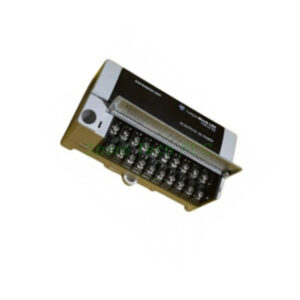
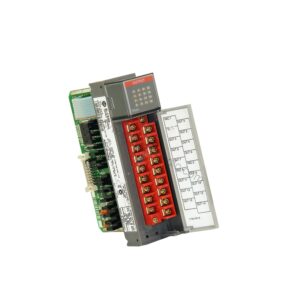
The 1790-T16BV0X is a high‑density universal input module. It belongs to the 1790 CompactBlock LDX series. You can use it with 24V dc control systems. This module accepts both sinking and sourcing input types. Therefore, it offers great flexibility for various field devices. Each module provides 16 input points. The inputs are grouped into two commons with 8 points per common. Additionally, the 1790-T16BV0X includes a built‑in DeviceNet interface. This feature simplifies wiring and reduces installation time.
Technical Specifications
Electrical Characteristics
The input on‑state voltage ranges from 9.6V dc minimum to 28.8V dc maximum. The nominal voltage is 24V dc. Off‑state voltage must not exceed 5.0V dc. Maximum on‑state current is 8 mA per channel at 28.8V dc. Typical input impedance is 4.8 KΩ. These values ensure reliable signal detection.
Power and Isolation
The base module requires a DeviceNet power supply. Nominal supply voltage is 24V dc. The acceptable voltage range is 11 to 28.8V dc. Maximum power dissipation reaches 1.2W at 28.8V dc. Isolation between I/O and logic uses photocouplers. Isolation voltage is rated at 1250V ac rms. However, DeviceNet power and logic are non‑isolated.
Indicators and Wiring
Sixteen green LED indicators show input status. Each LED corresponds to one channel. The common type is 8 points per common with non‑polarity. This means you do not need to worry about positive or negative wiring for the commons. The terminal block accepts M3.0 screws. Maximum screw torque is 7 lb‑in. Use copper or copper‑clad aluminum conductors only.
Mechanical and Environmental Data
This module is designed for industrial control cabinets. Its compact size saves panel space. Operating temperature ranges from 0°C to 55°C. Storage temperature goes from -40°C to 85°C. Relative humidity should stay between 5% and 95% non‑condensing. Moreover, the module withstands vibration and shock per industrial standards. The housing material is rugged plastic. Weight is approximately 0.35 kg.
Installation Guidelines
Follow these steps to install the 1790-T16BV0X correctly. First, disconnect all power before starting. Next, mount the base module on a DIN rail or panel. Ensure proper grounding to avoid noise issues. Then, connect the DeviceNet cable to the module. Use a 24V dc power supply that meets the voltage range. After that, wire your input devices to the terminal block. Remember to tighten each screw to 7 lb‑in maximum. Finally, apply power and check the green status LEDs.
For expansion, you can add more modules to the same DeviceNet network. Each module has a built‑in communication port. Therefore, daisy‑chaining is straightforward. Always verify the off‑state voltage stays below 5.0V dc. This prevents false triggering. Additionally, keep input current below 8 mA per channel.
Packaging List
1790-T16BV0X module (1 unit)
Terminal block (pre‑installed)
Quick start guide (printed)
No certificates or warranty documents included
Shipping
We ship via Fedex, UPS, or DHL. Delivery times depend on your location. Tracking numbers are provided after dispatch.
Frequently Asked Questions (FAQ)
1. Can the 1790-T16BV0X accept both AC and DC inputs?
No, this module accepts only DC inputs. The voltage range is 11 to 28.8V dc. For AC inputs, consider other Allen‑Bradley models.
2. What happens if the off‑state voltage exceeds 5.0V dc?
The input may not turn off reliably. False on‑state signals can occur. Therefore, always keep the off‑state voltage below 5.0V dc.
3. Do I need an external resistor for the inputs?
No, the 1790-T16BV0X has a built‑in input impedance of 4.8 KΩ. No external resistor is required.
4. Is the module compatible with 12V dc sensors?
Yes, as long as the sensor output voltage is at least 9.6V dc. However, nominal operation is 24V dc. Using lower voltage may reduce noise immunity.
5. How can I check if the module is communicating on DeviceNet?
Look at the module’s network status LED. A steady green LED indicates normal communication. Red or flashing LEDs suggest wiring or address issues.