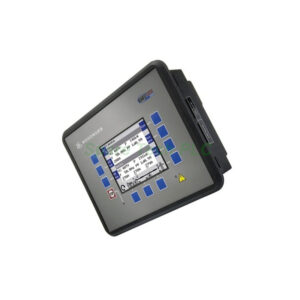
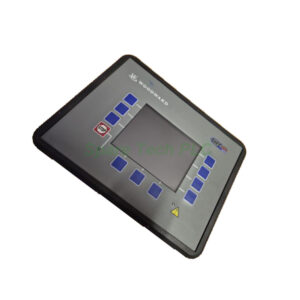
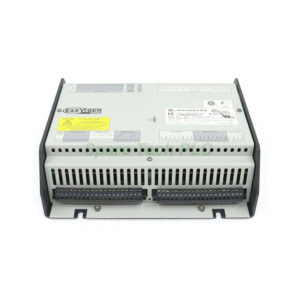
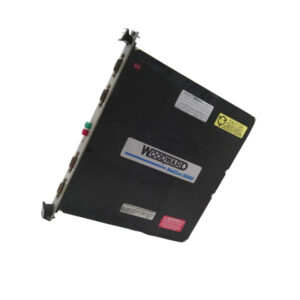
Woodward 8440-2057 Technical Specifications and Features
Product Introduction
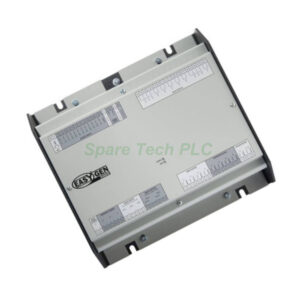
The Woodward 8440-2057 belongs to the easYgen-3000 series and offers advanced genset management without a built-in display. You will find this controller ideal for applications requiring mains parallel operation or load management. Its metal housing makes it suitable for panel or cabinet back mounting. Additionally, the 8440-2057 supports both gas and diesel engine start/stop logic. For system integration, this model provides 1A CT inputs and CANopen-based external I/O expansion.
Key Technical Specifications
Measuring Frequency: 50/60Hz with a wide range of 40 to 85 Hz.
Resolution: 11 Bit for precise signal conversion.
Max. Power Consumption per Path: Less than 0.15 W, ensuring energy-efficient operation.
Analog Inputs: External analog I/Os are available via CANopen, increasing system flexibility.
Generator Protection and Alarms
This controller includes extensive programmable setpoints for customized protection. For instance, it monitors generator load balance, engine speed or frequency mismatch, and mains phase shift or rotation field. Furthermore, the unit provides twelve alarm outputs, and ten of them are fully configurable. Therefore, you can adapt the Woodward 8440-2057 to suit specific site requirements.
PID Control and Engine Features
Specifically, the 8440-2057 integrates three freely configurable PID controllers. These controllers help manage voltage, speed, or other process variables effectively. Moreover, the unit includes engine cylinder temperature protection, which prevents overheating and reduces downtime. Meanwhile, the start/stop logic works reliably for both gas and diesel engine types.
Mechanical and Environmental Parameters
Operation Temperature: -20°C to 70°C, suitable for harsh industrial environments.
Front Panel Dimensions: 282W x 216H x 96D mm.
Housing Material: Metal housing with no display – designed for cabinet back mounting.
Installation Type: Flush mounting on cabinet door or inside control panel.
Communication and Software
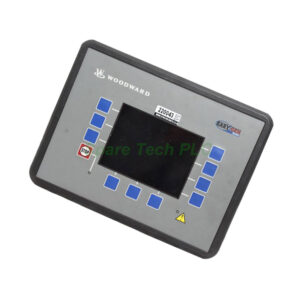
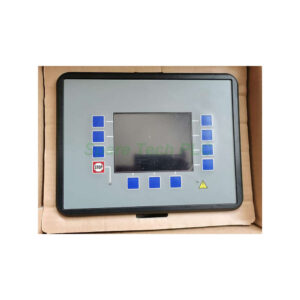
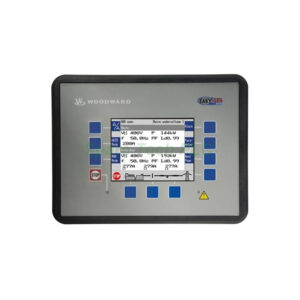
The Woodward 8440-2057 does not have a local HMI. Instead, you manage all settings via PC using ToolKit software. This software supports multiple languages and provides multi-level password protection. Consequently, unauthorized access to critical generator parameters is prevented. Additionally, the CANopen interface allows connection to external analog I/O modules, expanding your system capacity.
Installation Guidelines
First, ensure the mounting location is clean and dry, with temperatures between -20°C and 70°C. Next, mount the 8440-2057 securely inside a control cabinet using the four corner screws. Then, connect the 1A current transformers to the dedicated CT inputs. For external analog signals, use the CANopen port with proper termination. Finally, connect the generator start/stop logic outputs to your engine control circuits. Remember to configure all setpoints through ToolKit software before commissioning.
Packaging List
Woodward 8440-2057 controller unit (metal housing)
Mounting screws kit (4 pcs)
10-pin and 14-pin terminal block connectors
CANopen interface connector
Quick start guide (printed)
No certificates or warranty documents included
Shipping Information
All orders are shipped via FedEx, UPS, or DHL to ensure fast and reliable delivery. Tracking numbers will be provided within 24 hours after dispatch.
Frequently Asked Questions (FAQ)
1. Can the Woodward 8440-2057 operate with a single genset?
Yes, it supports both single-unit and multi-unit operation. For multi-unit setups, you can connect up to 32 units in parallel.
2. Do I need an external display to use the 8440-2057?
No, but you must use Woodward ToolKit software on a PC for configuration. The unit has no built-in HMI.
3. What type of current transformers does this model require?
Specifically, the 8440-2057 requires 1A CT inputs. Do not use 5A CTs without proper interfacing.
4. How do I add more analog I/O points to the system?
Additionally, you can connect external analog I/O modules via the CANopen port. This expands monitoring capabilities.
5. What happens if the engine frequency falls below 40 Hz?
The controller will trigger an alarm through one of its twelve outputs. You can configure the alarm response using programmable setpoints in ToolKit software.