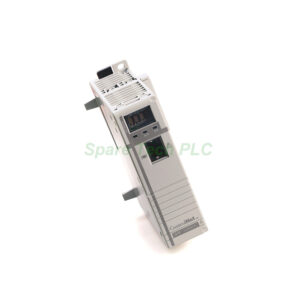
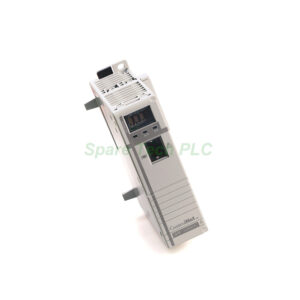
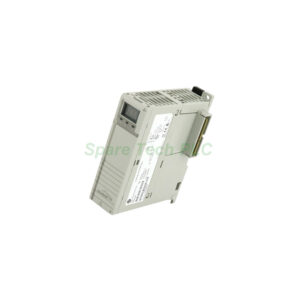
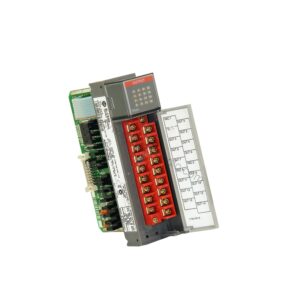
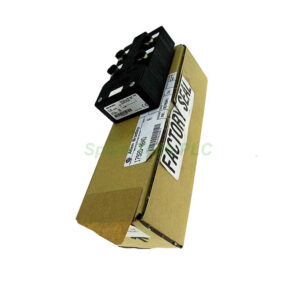
Allen-Bradley 1771-IN Digital AC/DC Input Module
Product Introduction
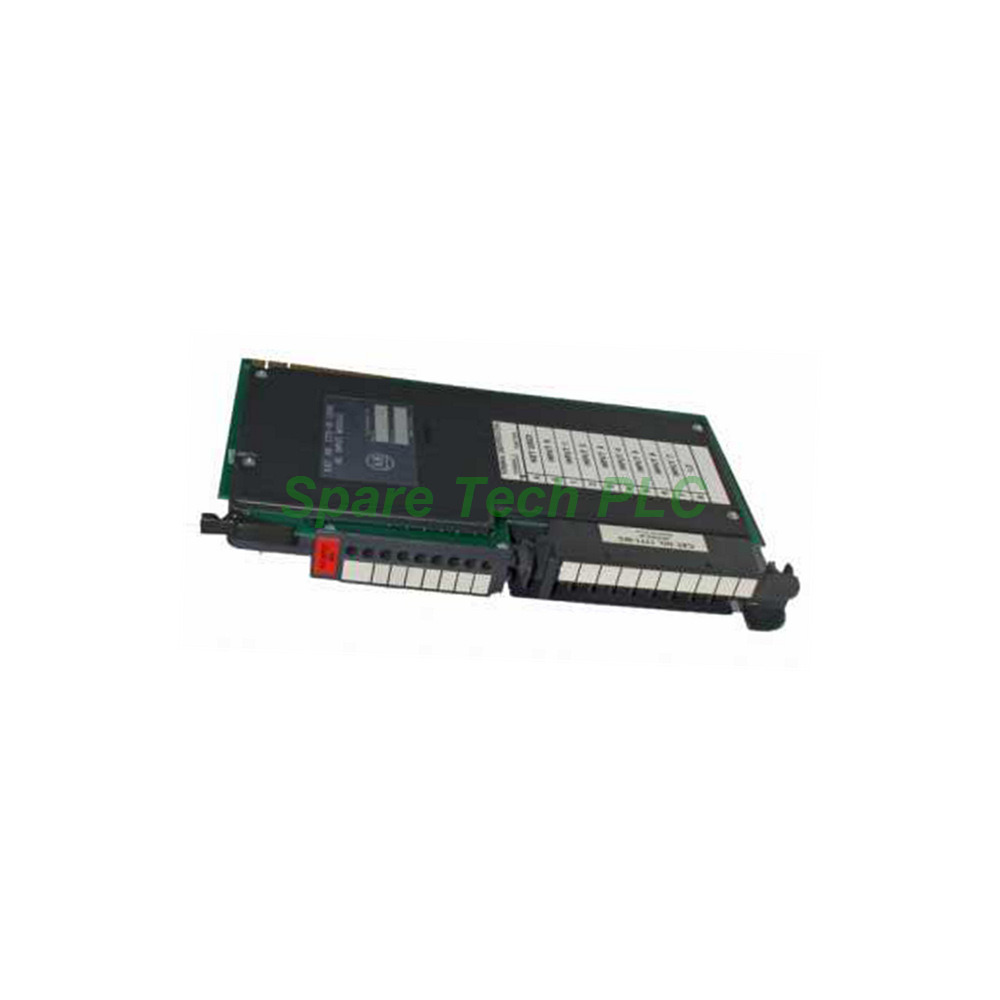
The 1771-IN from Allen-Bradley is a versatile digital input module built for the PLC-5 programmable controller series. This I/O module provides eight input channels for interfacing with field devices. You can connect it to pushbuttons, limit switches, pilot lights, motor starters, and enunciators. A key benefit of this model is its ability to save system engineering time and spare parts costs. Additionally, it helps reduce training expenses and inventory complexity. The Allen-Bradley 1771-IN occupies just one slot in a 1771 chassis. This compact design leaves room for other modules in your system. It converts incoming AC signals to appropriate logic levels for the processor. The module features optical isolation and filter circuits. These design elements simplify troubleshooting when issues arise. Furthermore, front-panel indicator lights show the on/off status of each input channel. This visual feedback allows for quick diagnostics without additional tools.
Technical Specifications
The 1771-IN module delivers reliable performance with clear technical parameters. It has eight inputs for receiving signals from eight separate devices. The voltage category is rated for 24 Volts AC/DC. However, the AC operating voltage ranges from 12 to 28 Volts. Please note that this module does not support DC operating voltage. It is designed specifically for AC input signals only. The backplane current draw is 80 milliamperes. This modest draw ensures efficient power consumption. The maximum AC off-state current is 2.8 milliamperes. This low value prevents false triggering from stray signals.
The input signal delays are consistent and predictable. The typical AC signal delay from off to on is 18 (+/- 10) ms. Similarly, the AC signal delay from on to off is also 18 (+/- 10) ms. These consistent timing characteristics help you design accurate logic sequences. The module's power dissipation ranges from a minimum of 0.4 Watts to a maximum of 5.4 Watts. This range depends on the input state and load conditions. Consequently, thermal management remains straightforward in most enclosures.
Mechanical and Environmental Features
The Allen-Bradley 1771-IN is rack-mountable for easy integration. It requires the 1771-WA wiring arm for field wiring connections. This accessory ensures secure and organized terminations. The module draws power through the 1771 I/O chassis backplane. It works with the associated chassis power supply. A notable feature is the fault mode selection capability. This allows you to choose the last state or reset to the default configuration. You can make this selection using a configuration plug on the printed circuit board edge. This flexibility adds an extra layer of control for your system.
Installation Guidance
Installing the 1771-IN module follows a simple and clear process. First, power off the PLC-5 chassis completely. Next, select an available slot in the 1771 rack. Carefully slide the module into the selected slot. Press firmly until it seats correctly into the backplane connector. Then, secure the module using the retaining screws provided. After that, attach the 1771-WA wiring arm to the module's front. Now, connect your field device wires to the proper terminals. Verify all connections for accuracy and tightness. Finally, power on the chassis and check the status indicators. This sequence ensures a safe and error-free installation.
Packaging List
Each new Allen-Bradley 1771-IN module includes the following items:
Note that the 1771-WA wiring arm is sold separately. We ship all orders via trusted carriers: Fedex, UPS, or DHL.
Frequently Asked Questions (FAQ)
1. What is the main application for the 1771-IN module?
The 1771-IN interfaces with on/off field devices like pushbuttons and limit switches. It converts their AC signals into logic levels that the PLC-5 processor can read and act upon.
2. Does the 1771-IN module support DC input signals?
No, this module only supports AC input voltage. The operating range is 12 to 28 Volts AC. For DC inputs, please consider other modules like the 1771-IM series.
3. What is the backplane current draw of this module?
The Allen-Bradley 1771-IN draws a maximum of 80 milliamperes from the backplane. This low draw minimizes the load on your chassis power supply.
4. How do I check the status of each input channel?
The module has indicator lights on its front panel. Each light shows the on/off condition of its corresponding input channel. This provides instant visual feedback for troubleshooting.
5. What wiring arm does the 1771-IN require?
This module requires the 1771-WA wiring arm for field connections. This accessory is sold separately and is essential for proper wiring termination.