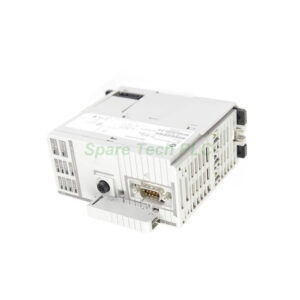
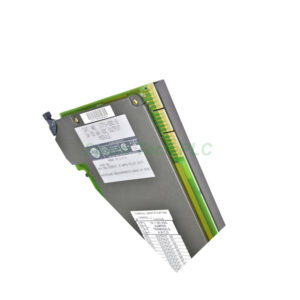
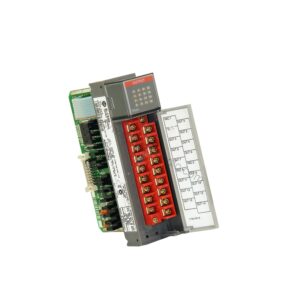
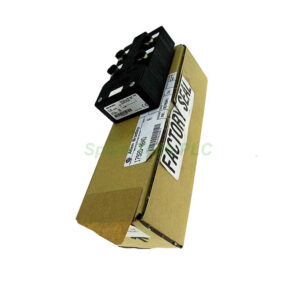
Allen-Bradley 1771-HD Handheld Programming Terminal for PLC-5 Systems
Product Introduction
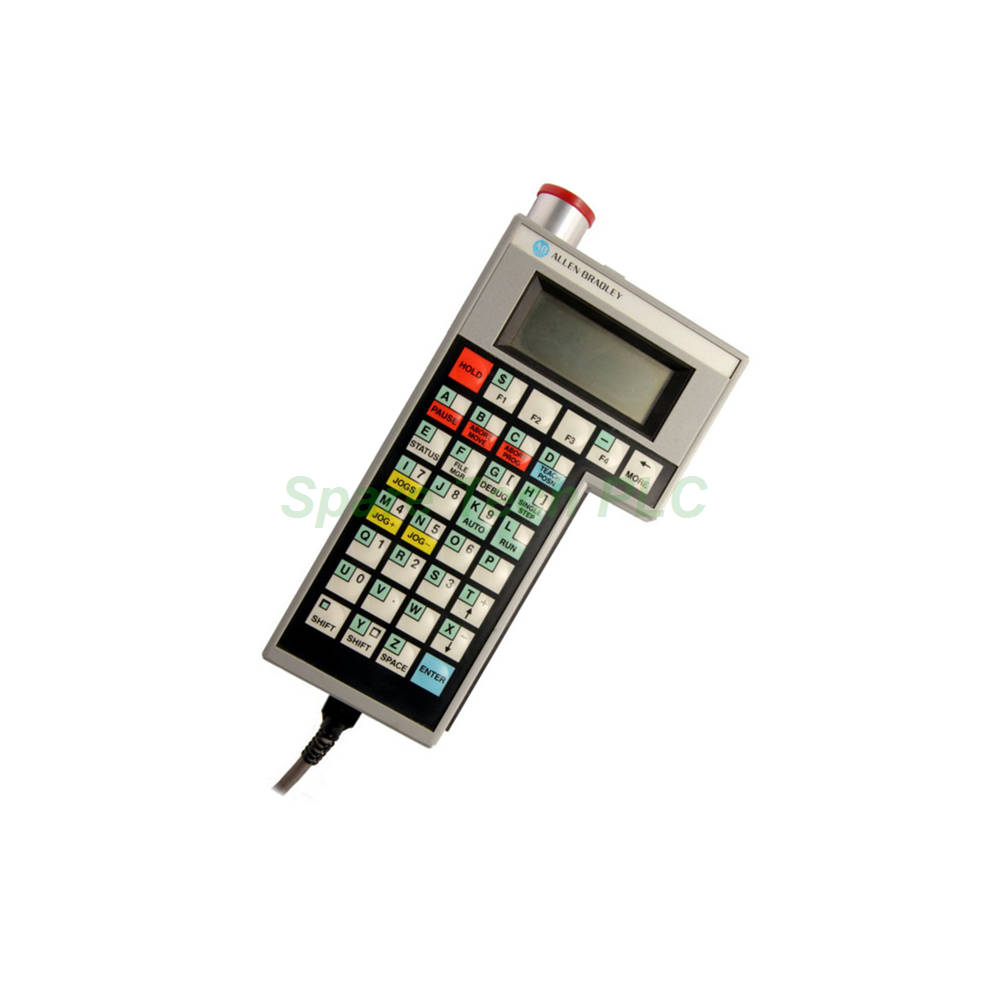
The Allen-Bradley 1771-HD is a portable handheld programming terminal designed specifically for PLC-5 controller systems. This teach pendant style device allows users to modify variable and parameter values remotely. It connects through the Offline Development System, commonly known as ODS. Moreover, the unit features a clear 4-line by 16-character display for easy menu navigation. It includes both hard keys with fixed functions and soft keys that change based on the current menu. Consequently, this terminal offers intuitive control for system setup and diagnostics. The 1771-HD communicates via an RS-232 port using a 25-foot (8-meter) cable.
Key Technical Specifications
The 1771-HD operates with a 120 Volt fuse voltage rating. Its maximum input frequency reaches 250 Kilohertz differential input. Additionally, the unit provides analog command outputs at +/- 10 Volt DC. The module update period is 2 ms per axis, ensuring responsive performance. For power connection, you need the 1771-CAS connector cable. This cable supports both 120V AC and 240V AC power sources. The terminal draws 1.7 Amperes from the backplane. Its compact dimensions are 3.5 x 6.5 x 2.0 inches (89 x 165 x 51 mm), making it truly portable.
Display and User Interface
The 1771-HD features a 4-line by 16-character display layout. This screen conveniently shows error messages from the IMC 120 System. It also displays user-enabled menus for easy interaction. Furthermore, the terminal includes five selectable menu displays. These are Jogs, Status, Debug, File Manager, and Teach Position. Each menu serves a specific diagnostic or programming purpose. The hard keys have permanently assigned functions. Meanwhile, the soft keys adapt their functions based on the current display menu. Both key types help you identify specific displays and respond accordingly.
Communication and Connectivity
The 1771-HD uses a 25-foot (8-meter) RS-232 cable for communication. This cable features a 9-pin D-shell connector at the motion controller module end. The cable part number is 1771-CAD. Its maximum extension distance is 25 feet from the controller's RS-232 port. This length provides comfortable remote operation. Additionally, you can connect the terminal to AC power using the 1771-CAS connector cable. The terminal also includes a diagnostic test function accessible via a switch and button. This feature simplifies troubleshooting during system maintenance.
Operating Environment
The 1771-HD performs reliably in various industrial conditions. Its operational temperature ranges from 0°C to 60°C. Furthermore, it functions optimally within a 5% to 95% non-condensing relative humidity range. This wide environmental tolerance makes it suitable for factory floor use. The terminal's handheld design allows operators to move freely while monitoring or adjusting system parameters. Always store the unit in a clean, dry location when not in use.
Installation and Setup Guide
First, locate the RS-232 port on your motion controller module. Next, connect the 1771-CAD cable's 9-pin D-shell connector to this port. Then, attach the other end to the 1771-HD terminal. After that, connect the power cable using the 1771-CAS connector. Ensure the power source matches the required rating. You can choose either 120V AC or 240V AC. Once connected, power on the terminal. The display should show the main menu. From there, you can navigate through the five menu options. Use the hard keys for fixed functions. Use the soft keys for menu-specific selections. To run a diagnostic test, use the dedicated switch and button.
Packaging List
1 x 1771-HD Handheld Programming Terminal
1 x 1771-CAD RS-232 Communication Cable (25 ft / 8 m)
1 x 1771-CAS Power Connector Cable
1 x Quick Start Guide
Note: The PLC-5 controller system and power source are sold separately.
Shipping Information
All orders ship via FedEx, UPS, or DHL. Each unit is packaged in protective materials to prevent damage. We include tracking information with every shipment. Order processing typically takes 1-2 business days.
Frequently Asked Questions (FAQ)
1. Which controller systems are compatible with the 1771-HD?
The 1771-HD is designed for Allen-Bradley PLC-5 controller systems. It works specifically with the IMC 120 motion control module through the RS-232 port.
2. How long is the communication cable for the 1771-HD?
The included 1771-CAD cable is 25 feet (8 meters) long. This length provides flexibility for remote operation away from the controller cabinet.
3. What do the soft keys on the 1771-HD do?
Soft keys change their functions based on the current menu displayed. This dynamic feature allows you to select different options within each menu screen.
4. Does the 1771-HD work with modern PLC systems?
This terminal is designed for legacy PLC-5 systems. It may not be compatible with newer CompactLogix or ControlLogix platforms. Please verify your system compatibility before purchasing.
5. What diagnostic features does the 1771-HD offer?
The 1771-HD includes a diagnostic test accessible via a dedicated switch and button. It also displays error messages from the IMC 120 System directly on its 4-line screen.